Posts con #iOSdev
#iOSdev
Posts públicos de X que usan #iOSdev.
Hashtags relacionados

min.dev1307@cheapbutworksRedesigned the results screen of my iOS app. It used to be one friend and a grid of colored tiles. Now everyone stands on a podium: 1st sprays confetti, 2nd hops, 3rd cries a little. Come 4th? You still get a step. #buildinpublic #iosdev806100
Jordan@TheJordanRules_Released an iOS app on Halloween, got 8 downloads so far. Marketing using tiktok and IG. Been thinking about adding yt shorts as well. Baby steps #buildinpublic #iosdev20015460


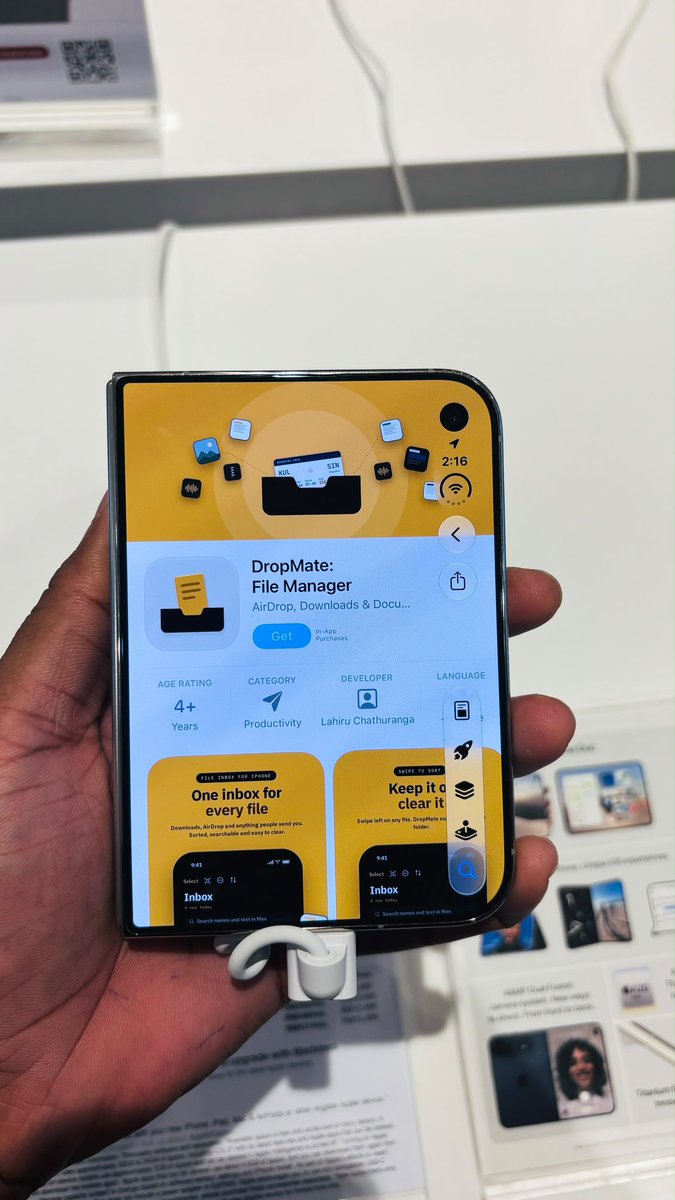
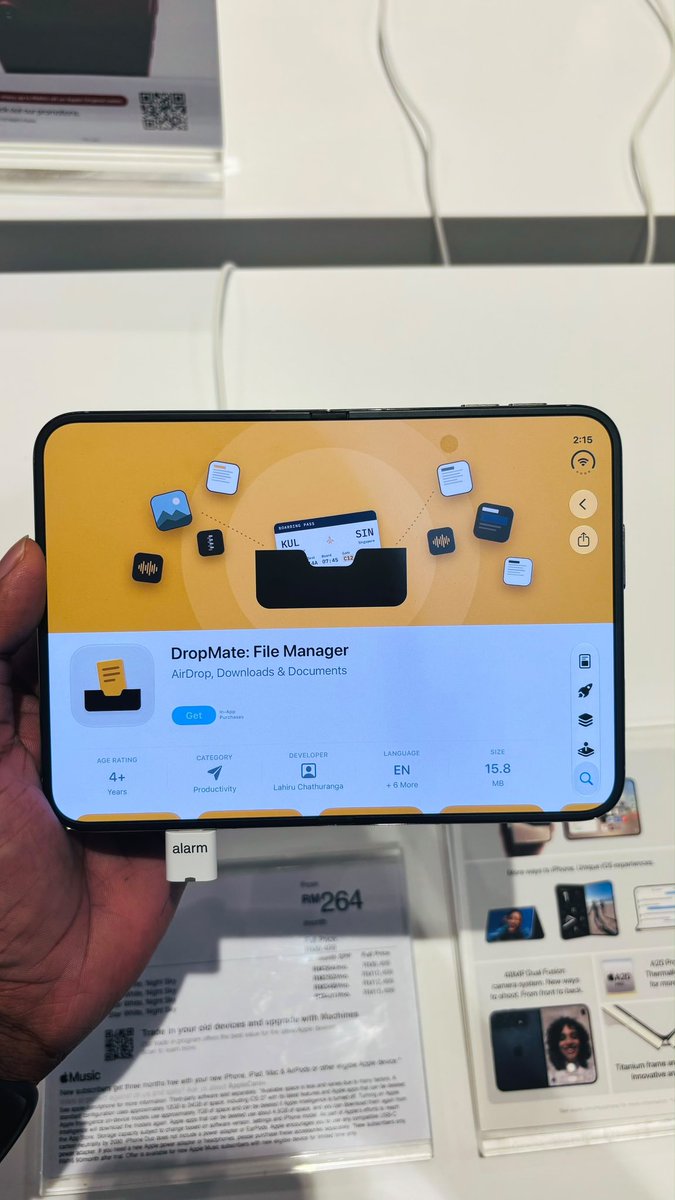
Damith Bandara | iOS Engineer@damith_dsone thing I learned from a foldable demo unit: the App Store page shows our header art wide and the screenshots in a row. a good reason to test your page on more than a normal phone #BuildInPublic #indiedev #iOSDev15017231

Improve your iOS Apps' performance with some nuggets shared by Marc. Watch this session for some really useful tips and insights - #iosdevMarc @mrousavyHere's a guide on fixing performance issues in your app: 1. Install the "Mobile Dev" Codex Plugin 2. Open your app in the Simulator inside of Codex 3. Record a performance trace 4. ... (1/4)002326
Solocorn@solocornnZero ads, zero promo, just organic App Store traffic so far. I’ve been improving my app steadily and want an honest read: are these numbers a good sign for an early-stage iOS app with no marketing behind it, or should I be worried? Honest takes welcome. #buildinpublic #iOSdev807175
min.dev1307@cheapbutworksDay 8 of 30 short videos for my iOS app. Behind it: every app clip is an XCUITest. It launches the app with demo flags, a fake motion source walks for Ichigo, and the test taps pause and resume so the 3-2-1 shows while the simulator records. #buildinpublic #iosdev30465
Ravindu Danthanarayana@ravindudanthI’m thinking of building a habit tracker with GitHub style graphs, cute companions, and friend challenges. Would you use something like this? I’d really appreciate your thoughts on what features would make it useful. #BuildInPublic #iOSDev814162
Turning on the Perspective Transcribe keyboard isn't hard. I made a quick video to show you. You turn it on once in Settings, then you just talk and it types in any app. What app would you use it in first? #iOSDev #OnDeviceAI324167


- Mostrar más posts