PaceUI✓
@paceui_
React UI for real apps. Components, blocks, crafts, templates.
5 Seguiti581 Follower563 Post
- built with @stylexjs btwKenil Sudani @super_kenilMost people waste hours (and tokens) generating AI dashboards that still need 3-4 rounds of fixes before they look production-ready. The AI Console in StyleX UI Pro🟣skips that loop. Its a full set of thoughtfully designed pages for AI Enterprise products; already structured consistent and ready to ship: - Overview - Analytics - Command Center - Billing - Logs - Limits - Models - Integrations - Incidents Stop regenerating the same admin screens. Start with pages that were already thought through.017276
 Most people waste hours (and tokens) generating AI dashboards that still need 3-4 rounds of fixes before they look production-ready. The AI Console in StyleX UI Pro🟣skips that loop. Its a full set of thoughtfully designed pages for AI Enterprise products; already structured consistent and ready to ship: - Overview - Analytics - Command Center - Billing - Logs - Limits - Models - Integrations - Incidents Stop regenerating the same admin screens. Start with pages that were already thought through.106345
- A bunch of new components are coming your way... 🚀Den @withden_This is what you get with the production-ready collection in PaceUI00497

- Read this before buying PaceUI Pro or deciding to generate UI designs with AI. 2 minutes to read. 100 hours to save. 👀Den @withden_Why PaceUI? Yes, AI can generate UI designs. Let’s assume the quality is excellent. AI wins on design quality. Now, let’s talk about time and money. Imagine you charge $50/hour and ask AI to create a funnel chart for a dashboard. It takes 4–8 minutes. Let’s say 6 minutes on average. Creating 10 designs takes 1 hour. And that’s assuming AI gets everything right on the first try. No revisions. No iterations. Now, let’s compare that with PaceUI Pro. You get tons of ready-to-use designs. Let’s assume only 50% fit your needs. That’s still 30 minutes saved every day. Over 6 working days, that’s 3 hours saved. 3 hours × $50 = $150 saved. And PaceUI Pro costs $149. So, I want AI to win. But the math says otherwise. 🤔 But wait! You might think you need to browse the entire PaceUI website to find the design you need. Nope. You don't. 👀 Just use PaceUI MCP. Your AI agent can find the right designs from PaceUI and integrate them directly into your project with production-ready quality. No endless browsing. No starting from scratch. That's where AI wins. 🤝 I want AI to win at design, but I also know when to use AI and when not to. What do you think? Agree or disagree?003108
- Why PaceUI? Yes, AI can generate UI designs. Let’s assume the quality is excellent. AI wins on design quality. Now, let’s talk about time and money. Imagine you charge $50/hour and ask AI to create a funnel chart for a dashboard. It takes 4–8 minutes. Let’s say 6 minutes on average. Creating 10 designs takes 1 hour. And that’s assuming AI gets everything right on the first try. No revisions. No iterations. Now, let’s compare that with PaceUI Pro. You get tons of ready-to-use designs. Let’s assume only 50% fit your needs. That’s still 30 minutes saved every day. Over 6 working days, that’s 3 hours saved. 3 hours × $50 = $150 saved. And PaceUI Pro costs $149. So, I want AI to win. But the math says otherwise. 🤔 But wait! You might think you need to browse the entire PaceUI website to find the design you need. Nope. You don't. 👀 Just use PaceUI MCP. Your AI agent can find the right designs from PaceUI and integrate them directly into your project with production-ready quality. No endless browsing. No starting from scratch. That's where AI wins. 🤝 I want AI to win at design, but I also know when to use AI and when not to. What do you think? Agree or disagree?2111578
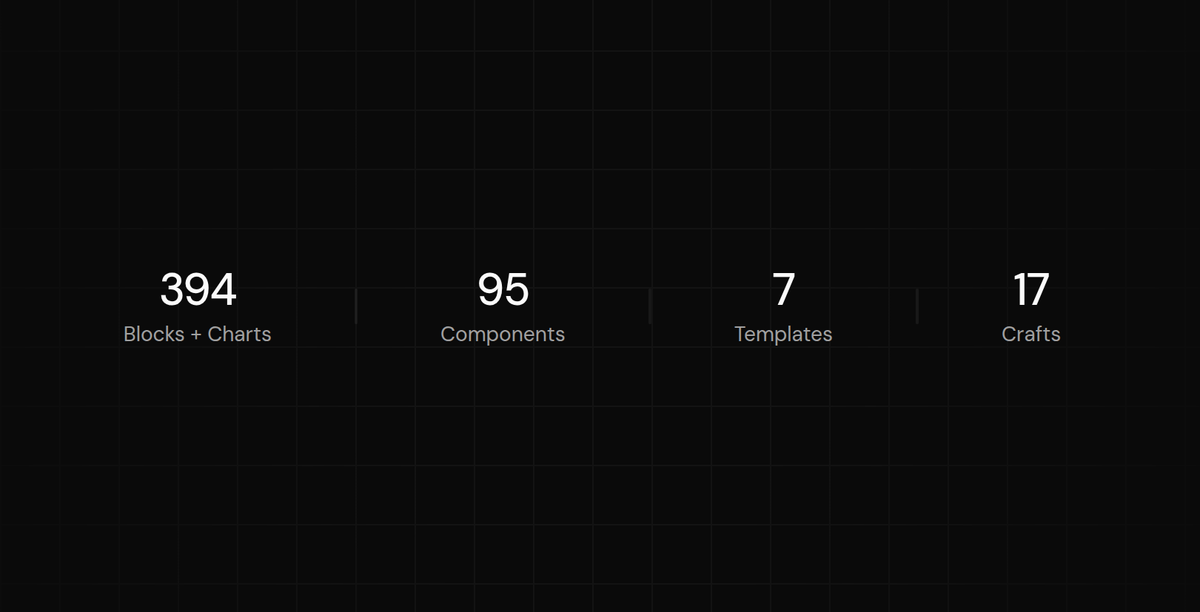
- 350+ Ready-to-Use Blocks, Including Charts, Dashboard Stats, Widgets, Authentication Pages, and App Use CasesPaceUI @paceui_Everything looks great and comes alive with003120
- PaceUIRT @aviralj02: new craft 💐: generative grid inspired by: @paceui_ try live: link in comments ↓0206
- PaceUIRT @withden_: Shipped this week 🚀 - WebMCP Commerce Template: Browser agents can find products, add them to the cart, and complete checkout using your details without getting confused. Thanks to WebMCP for making this possible! Next week: Motion blocks are coming toDen @withden_So, this week I shipped 🚀 - Marketing Section Builder with 10+ sections and multiple backgrounds. Mix and match, then add them to your project with one command. - Also working on WebMCP with real-world use cases in apps and templates. Coming next week!0106
- So, this week I shipped 🚀 - Marketing Section Builder with 10+ sections and multiple backgrounds. Mix and match, then add them to your project with one command. - Also working on WebMCP with real-world use cases in apps and templates. Coming next week!214397
- The first WebMCP template on the internet.Den @withden_Introducing the WebMCP Commerce Template A store where AI agents can easily: - Search, filter, and sort products - Add to cart and update quantities - Navigate the checkout flow All brought to life with motion & shadcn/ui005159
- Explore 25+ more unique crafts atDen @withden_Created a cart block with an animated quantity button. Every interaction should feel alive, with changes that feel natural and responsive. Built with shadcn/ui & Base UI.00272
- PaceUIRT @super_kenil: Free! Free! Free! Admin Dashboard free on StyleX UI 1. Sales Dashboard to keep live track of best performing products, traffic sources, customers, finances and more 2. Logs Dashboard to monitor your AI cloud, system monitoring, resource utilization and more Built with @stylexjs to prevent colliding styles and better performing site.0202