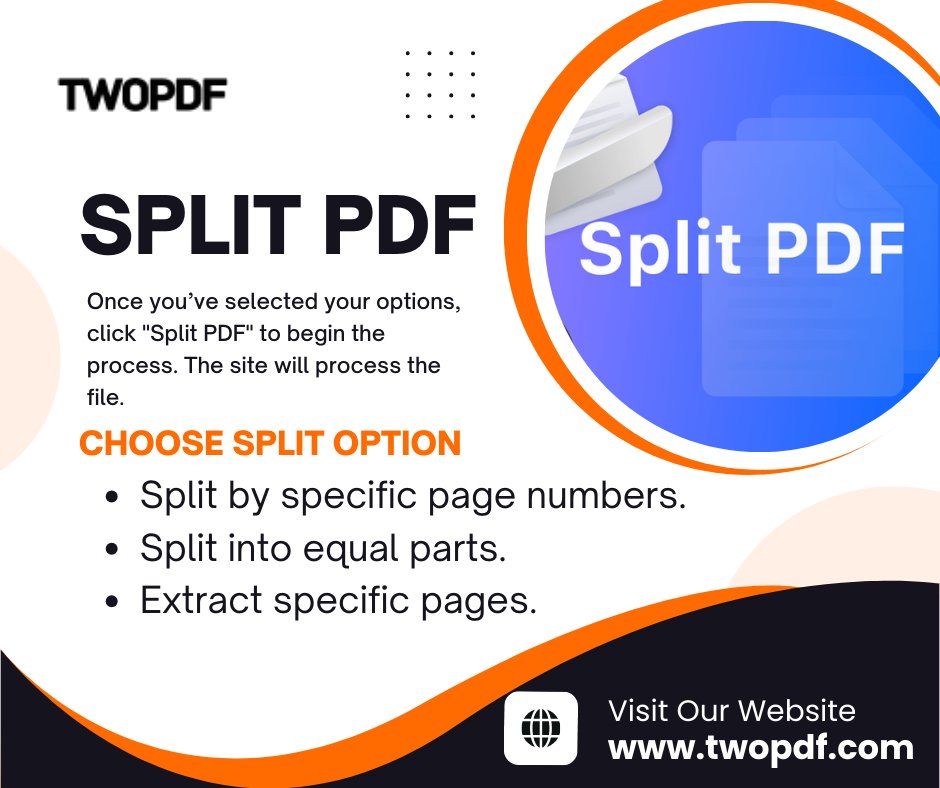
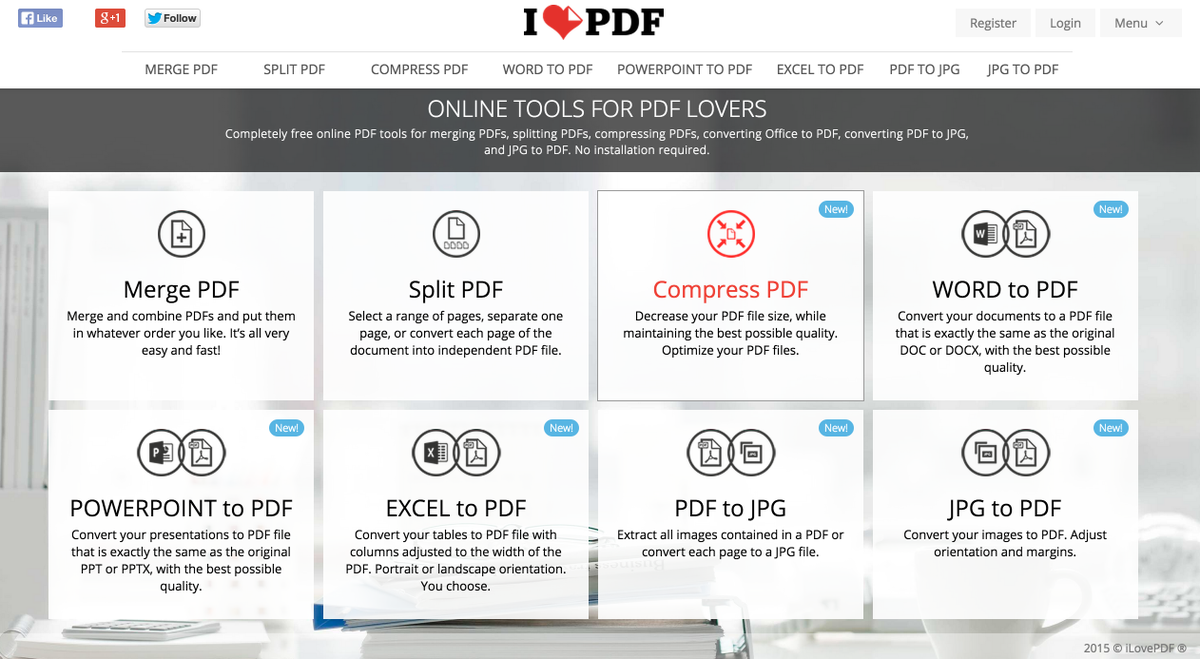
One giant PDF, a dozen uses. PDFWix splits pages or rotates them left or right, so you extract exactly what you need and turn sideways scans upright.
👉 Try PDFWix →
🔗 All tools →
#PDFWix#splitpdf#pdftools#worktips
An 80-page pack has 3 pages your colleague needs.
PDFWix splits a PDF into exact pages or ranges, so you send the section, not the binder. Free, no install, files stay local.
👉 Bookmark this →
🔗 All tools →
#PDFWix#splitpdf
I've said it before and I'll say it again ... life is so much better with Honestly, this website has saved my sanity time after time - @smallpdf what would I do without you? 🥰
#splitPDF#lifesaver
Don’t want to share all the information in a full PDF document? Would you prefer to isolate critical data to share with your intended audience? You can do just that with @pdfRest
Learn more:
#restapi#cloud#splitpdf
Discover how to separate PDF pages with ease using different methods and tips. You can adopt a professional PDF separator, PDF viewer on your device or browser.
#swifdoopdf#splitpdf#pdfseparator
@pdfRest's Split PDF allows you to easily split a 100-page PDF into 100 one-page PDFs, or pick and choose each output PDF you’d like to create from the original PDF source.
Learn more:
#splitPDF#DocumentManagement#PDFsolutions
Get more from your document... literally 👬. Use our amazing #free online Split tool to separate one PDF into multiple individual files ➕📃: #SplitPDF#PDFTools#FreePDF
How to Split and Extract Pages from PDF File Easily | Systweak PDF Editor Tutorial #22
You Tube Video Link -
Download Systweak PDF Editor -
#SplitPDF#extractpdf#pdfeditor
@pdfRest'sSplit PDF REST API Tools allows you to split a single PDF document into one or more PDF documents with exactly the pages you need.
Learn more:
#splitpdf#PDFsolutions#DocumentManagment
A simple way to split, rotate and organize PDFs:
- Split PDF pages into multiple files.
- Remove pages from PDF.
- Add pages to PDF.
- Extract pages from PDF.
- Rotate PDF pages.
#organizepdf#splitpdf#rotatepdf#pdftutorial#pdfelement