Learn Coding by playing games
1. Kubernetes
2. DevOps
3. Linux
4. Git
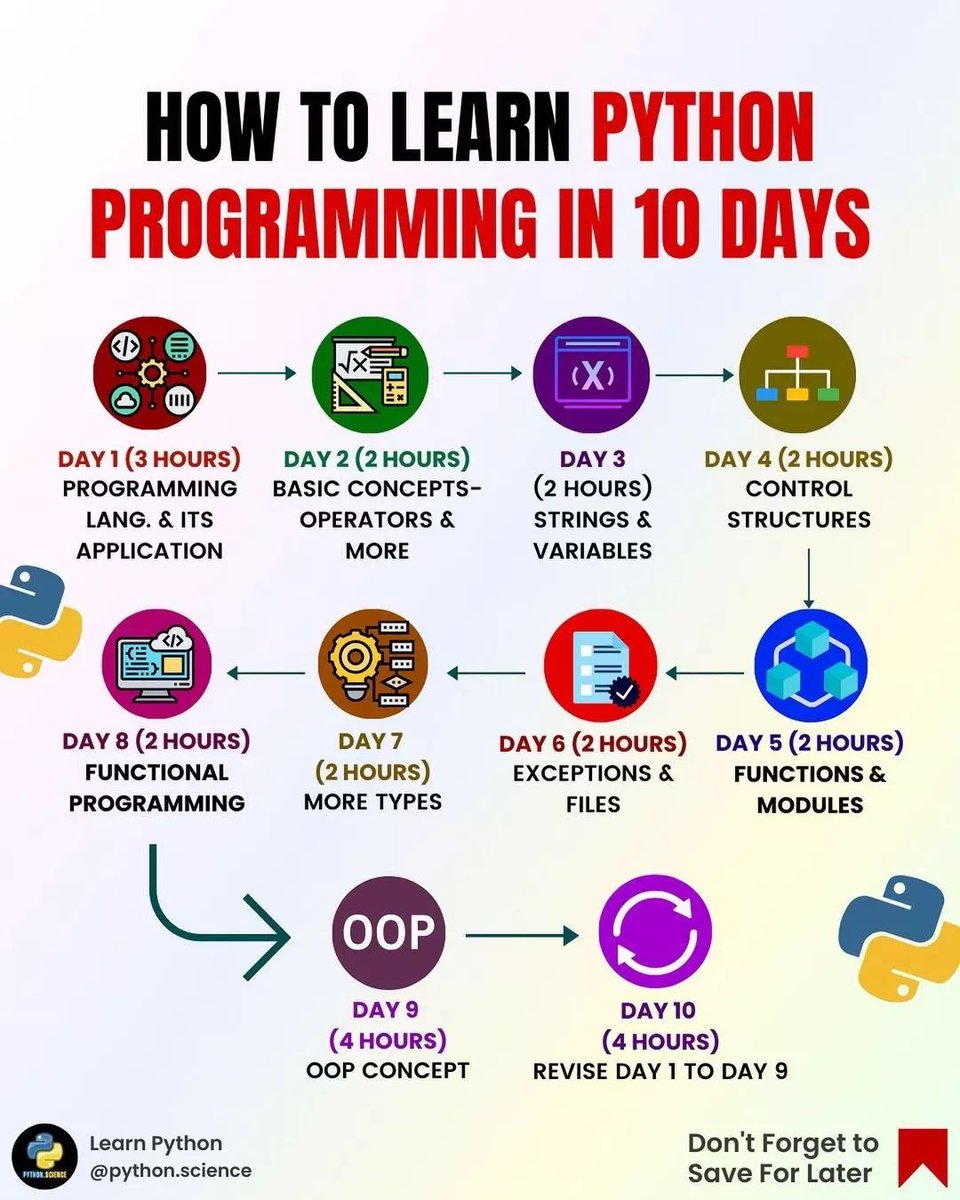
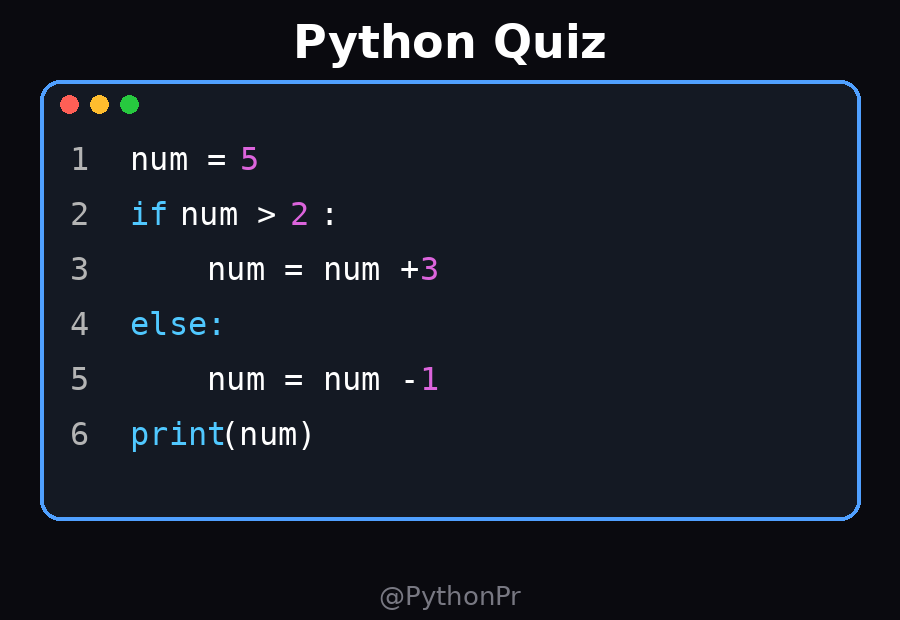
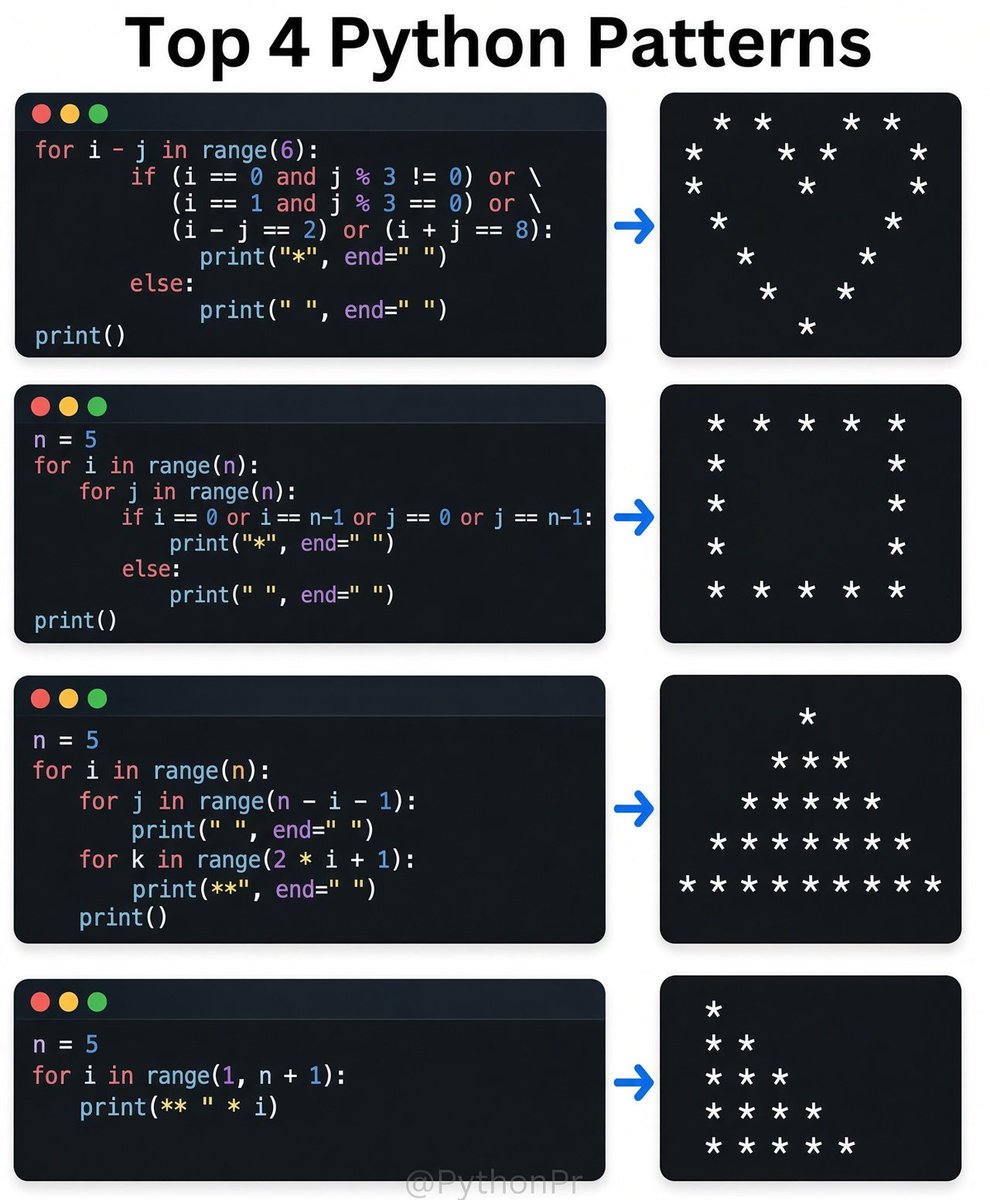
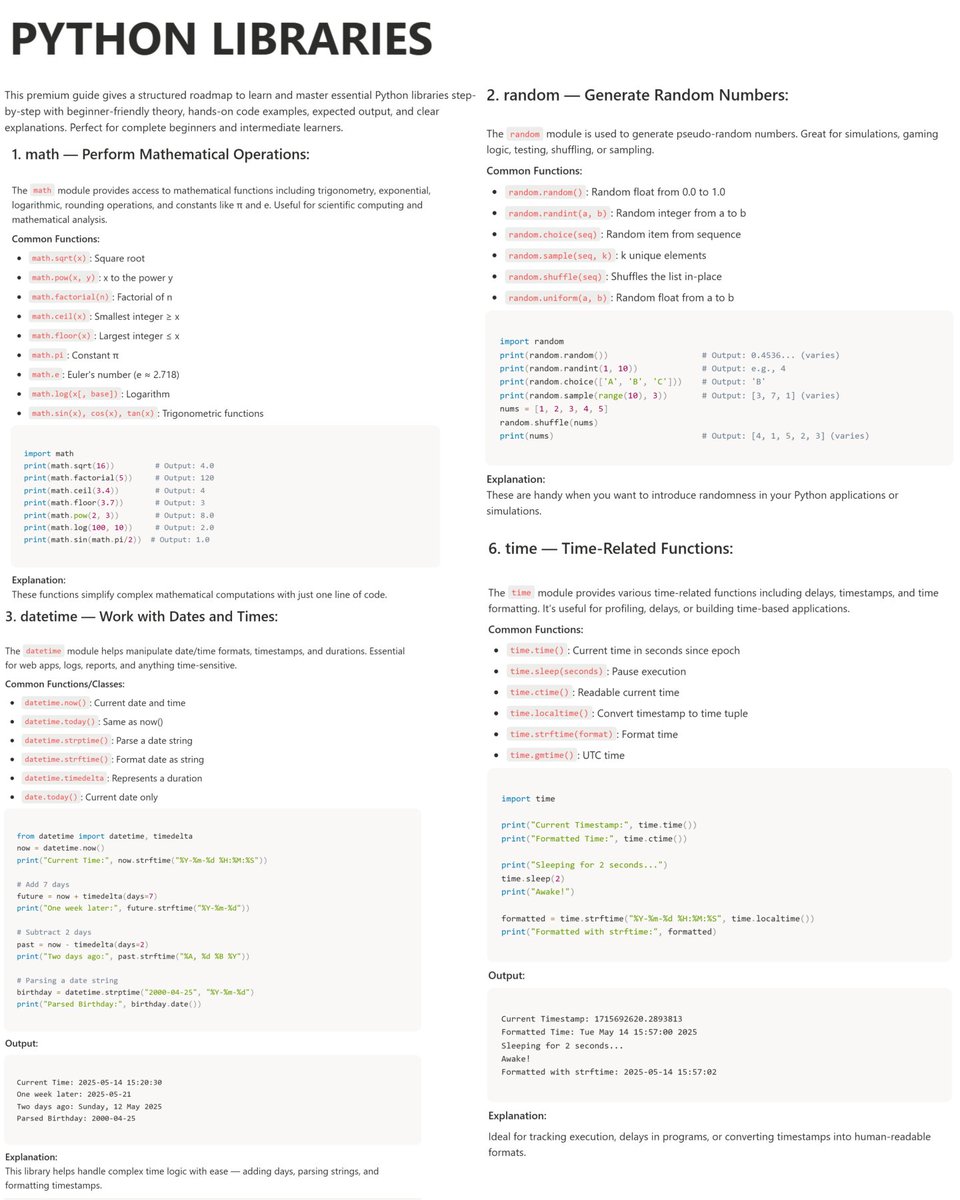
5. Python
6. CSS & HTML
7. Cybersecurity
8. Mobile Coding (like Duolingo)
9. For Complete Beginners
10. 25+ Programming Languages
Which Programming Language Is the Easiest to Learn?
If you're a beginner, choosing your first programming language can feel confusing.
Here’s a quick comparison of 11 popular programming languages using the classic “Hello, World!” program:
My recommendation: Start with Python if you're new to programming. Its readable syntax lets you focus on problem-solving before dealing with too many language-specific details.
Remember, the easiest language depends on your goals and background!
Which programming language did you learn first?
Save this guide and share it with a beginner!
Follow @CLCODING for more coding tips and programming tutorials.
Learn Python. ⠀
Learn JavaScript. ⠀
Learn React. ⠀
Learn Docker. ⠀
Learn AWS. ⠀
Learn Kubernetes. ⠀
Finally, you start feeling confident. ⠀
Then someone says, “I built the whole app with a prompt.” ⠀
Welcome to being a developer. ⠀
After 16+ years in engineering, I understand why this feels exhausting.
Every time you get comfortable, the industry gives you more homework. ⠀
But I’d redraw the last part of this curve. ⠀
Your engineering knowledge still matters when you have to explain why: ⠀
• The app works locally but fails in production. ⠀
• One database query takes down the API. ⠀
• A retry charges the customer twice. ⠀
• An AI-generated endpoint lets users access someone else’s data. ⠀
Knowing how to investigate those problems takes experience.
Every layer you learned gives you somewhere to start. ⠀
That knowledge helps while you’re prompting, too. ⠀
You can spot a missing requirement, question a design choice, and catch a dangerous assumption before it spreads across twenty files. ⠀
I want AI to handle more of the repetitive work.
I also want to understand what I’m putting into production. ⠀
If you’re feeling behind, try this: ⠀
Take one small feature you already know how to build.
Ask an AI coding tool to implement it.
Then review the result like a teammate’s pull request.
⠀
1. Read the diff. ⠀
2. Check the dependencies. ⠀
3. Test the failure cases. ⠀
4. Find something you would change and explain why. ⠀
You’ll learn the tool while exercising the judgment you’ve spent years developing. ⠀
And if you’re just starting, follow the generated code all the way through: from the button, to the API, to the database, and back. ⠀
You don’t have to restart your career every time the tools change. ⠀
You do have to keep learning.
That part of the picture has always been accurate. ⠀
Which skill on this chart took you the longest to learn?
🚨 CRITICAL SECURITY ALERT
PHP, GitLab & Node.js were already facing serious security vulnerabilities.
Now, Linux, Python & Java are also in the spotlight. The potential impact across the tech stack is huge.
Algorithms — Free PDF (472 Pages!)
Want to strengthen your problem-solving skills and become a better programmer?
This 472-page Algorithms book is a great resource for anyone interested in understanding how algorithms work and how to solve computational problems efficiently.
What you can learn:
✅ Algorithm design and problem-solving
✅ Time and space complexity
✅ Efficient approaches to computational problems
✅ A stronger foundation for Data Structures & Algorithms (DSA)
✅ Skills useful for coding interviews and competitive programming
Perfect for Python developers, computer science students, software engineers, and aspiring programmers!
Get the free PDF here:
Best YouTube Playlists to learn Programming:
C
C++
Python
Java
C#
SQL
Go
PHP
Swift
Kotlin
Dart
Ruby
Rust
TypeScript
R
React
Next.js
Node.js
HTML/CSS
Machine Learning
Deep Learning
DSA
Follow @Arina_sharmi for more
You may have heard about the Model Context Protocol and wondered how it lets AI tools connect to other tools, APIs, and systems.
Well, it's all thanks to MCP servers.
In this guide, @manishmshiva explains how MCP servers work and helps you build your own with Python and the FastMCP library.
The field of Cryptography is all about securing both data and communication between systems.
And in this course, you'll learn the basics like hashing, symmetric and asymmetric encryption, and more.
By the end, you'll have built a fully-functioning Python-based command line cryptography tool.
holy f*ck, Karpathy put an entire AI degree on GitHub for free
7 repos, 306,741 stars, and in the right order they take you from backprop to agents that run research overnight
each repo is the next layer of the one before
1. micrograd -> how a neural net actually learns
backprop in about 100 lines of Python
↳
2. nn-zero-to-hero -> the video course
his lecture notebooks, from one neuron to GPT
↳
3. minbpe -> how text turns into tokens
the tokenizer every LLM starts with, in clean minimal code
↳
4. nanoGPT -> your own GPT
the simplest repo to train and fine-tune one
↳
5. llm.c -> the same training with nothing hidden
raw C and CUDA, no PyTorch underneath
↳
6. nanochat -> a full chat model end to end
GPT-2 level training cost ~$43,000 in 2019
here it's about $48
↳
7. autoresearch -> agents that do the research
an agent edits the training code, trains for 5 minutes, keeps what improved and repeats all night
↳
train one GPT from scratch and you become the person who gets handed the AI project, along with the raise that comes with it
the classroom half of the same degree, what Stanford actually teaches about AI, is below ↓