Dive into the general concepts and architecture for code-first Copilot agents and connectors to learn how you can customize and extend Microsoft 365 Copilot:
#Microsoft365Dev#VisualStudioCode#AI
🎓 New course: Learn Foundry Toolkit for VS Code
Learn how to build, test, debug, and deploy AI applications with Foundry Toolkit in #VSCode!
🔗
#visualstudiocode#foundry
Watch to learn how you can build your own highly specialized copilot using Microsoft Copilot Studio or Visual Studio Code:
#Microsoft365Dev#Copilot#VisualStudioCode
🚀 10x Faster TypeScript in VS Code!
TypeScript 7.0 is here, a 10x faster native port of TypeScript. Download the new VS Code extension today to get started!
#visualstudiocode#vscodeextensions#typescript
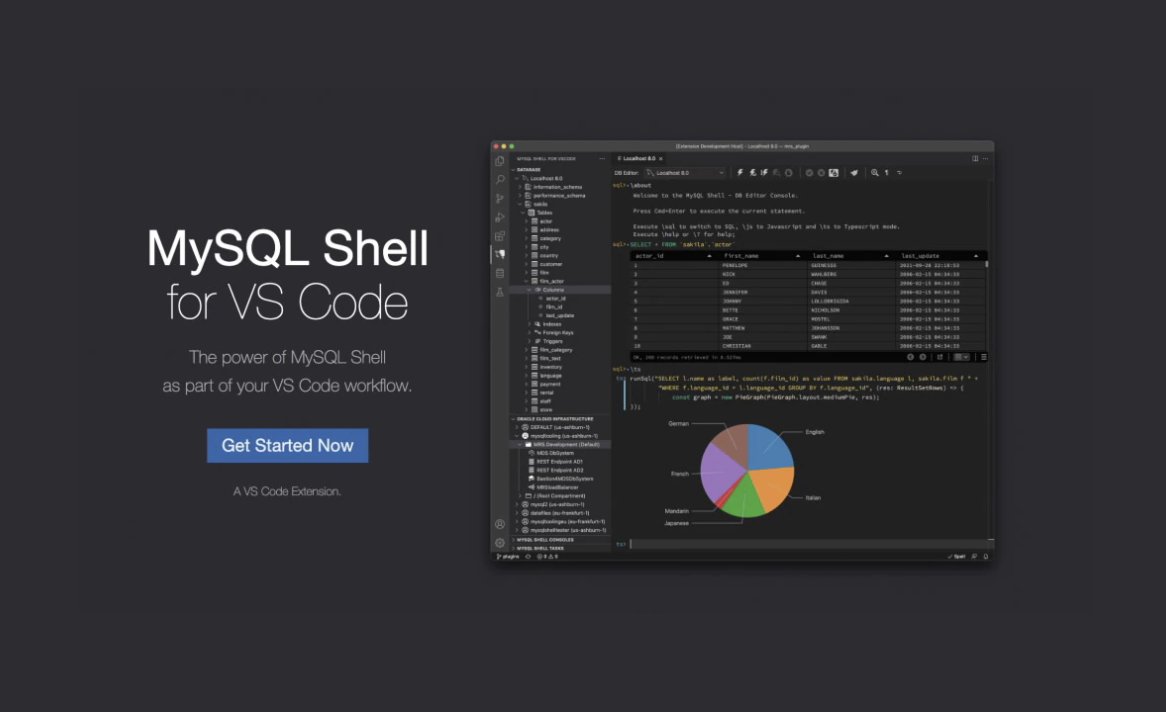
[Blog] Introducing MySQL Shell for Visual Studio Code.The new extension offers tons of new features for developers. Includes video demo.
#mysql#MySQLHeatWave#visualstudiocode#vscode
[𝗕𝗹𝗼𝗴] 𝗣𝗦𝗔𝗗𝗧 𝗦𝗰𝗿𝗶𝗽𝘁𝗶𝗻𝗴 𝘄𝗶𝘁𝗵 𝗩𝗶𝘀𝘂𝗮𝗹 𝗦𝘁𝘂𝗱𝗶𝗼 𝗖𝗼𝗱𝗲
🚀 Learn how to leverage VS Code for more efficient PSADT script development, testing, and management.
More info:
#PSADT#PowerShell#VisualStudioCode
Ever wanted to auto-format all your #DAX expressions inside a #PowerBI Report with the single click of a button?
My latest blog shows how you can quickly and easily build an external tool using #VisualStudioCode to do just that. Video example included.
🙌🙌I'm thrilled to announce that Learn VS Code is now available! With over 40 videos , this course includes everything you need to know about the most popular in Web Development. #vscode#visualstudiocode#webdevelopment
Ever wanted a remote Visual Studio Code based development environment you can run in your browser? Or wanted an open source port of @Code you can host on your own server? Well, now you can have both!
#gamedev#indiedev#VisualStudioCode
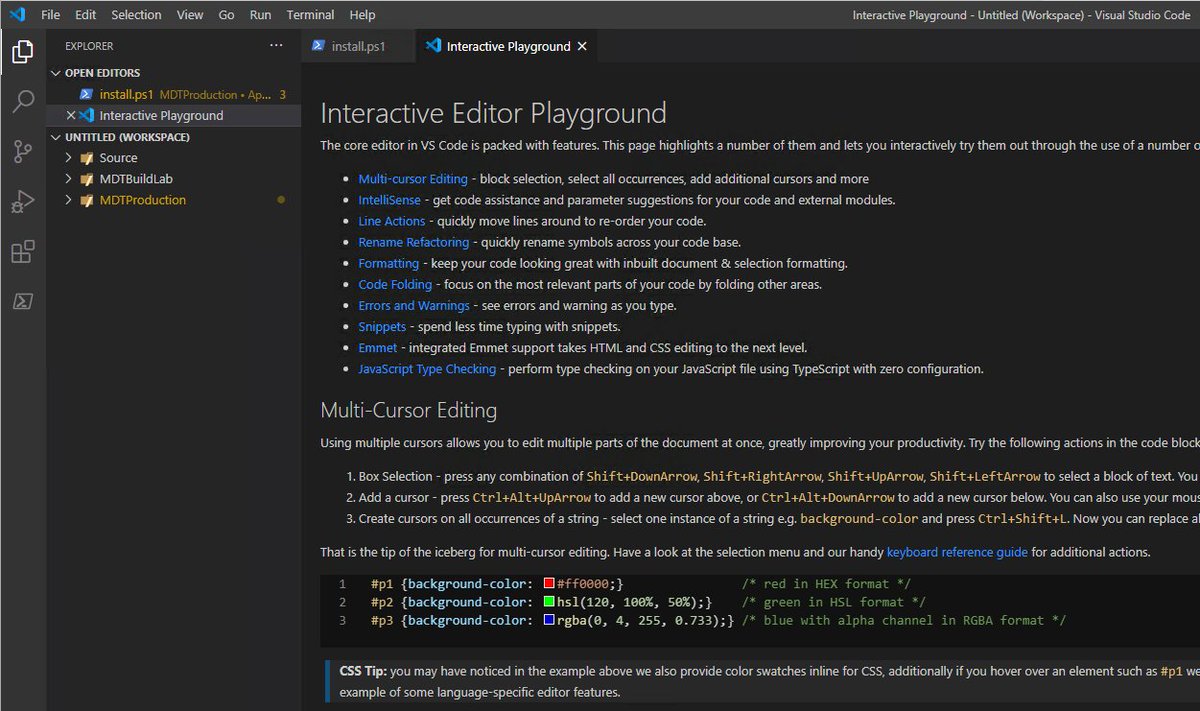
TIL: Visual Studio @code has an Interactive Playground, in which the Fancy Editor features are explained and can be tested live. #MDT#PowerShell#VisualStudioCode
Struggling to select text between brackets in #VSCode? Try this shortcut: Place your cursor on the opening bracket, hold Ctrl + Shift (or Cmd + Shift on macOS), and press the Right Arrow key 🚀 Say goodbye to tedious text selection! 💻✨ #VisualStudioCode#CodingTips