Posts with #AutoLayout

#AutoLayout

Public posts on X that use #AutoLayout.

Related hashtags

  1. Tony✓@TGines
    This is how much time the new Figma Autolayout update is already saving me. This is an example of what I did before versus what’s possible now. Thanks @figmadesign #autolayout
    Download
    211281.6K
  2. Max McKinney@madmaxmckinney
    Are y’all watching #Config2022?! Just announced is an update to Auto Layout with new powerful canvas UI controls, absolute positioning, negative spacing, and more! Learn how to use it: #autolayout @figma
    11150
  3. Rhoda@nomrhodon
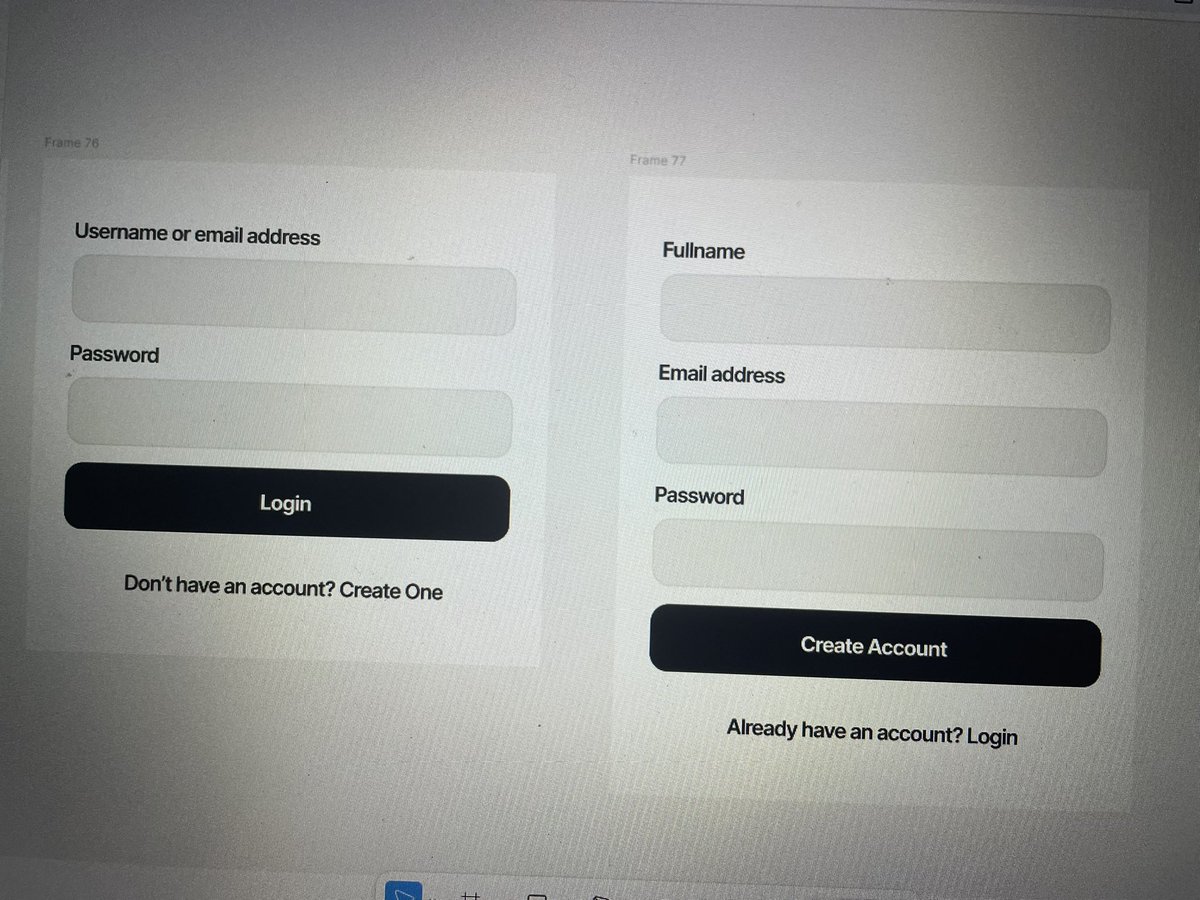
    Okay, I've been waiting to finally share this for hours ask @nho__rah 😂🤣 I bookmarked a button I saw last week and I finally got to do it last night.😊 Flexing my auto-layout muscles😁 Made a lirru video for y'all, here you go. #autolayout #design #Responsive #uidesign #uiux
    Download
    71267
  4. Fay UI/UX Designer@AMFAVOURED2
    Auto Layout is not magic. It just follows rules. Fixed width for anchors. Hug contents for text. Fill container for flexible rows. Turn on wrap and add min width. Min width protects content. Max width protects layout.Together they keep screens calm. #Autolayout #uiux #Figma
    Download
    Fay UI/UX Designer @AMFAVOURED2
    Auto Layout stepped,The king of resizing🥰. With the right setup, one design stretched shrank and adapted beautifully to desktop, tablet and mobile. So would you rather design separately for each screen, or design once and let it flex responsively? Cc:@devanddesignhq
    0721923
  5. Fay UI/UX Designer@AMFAVOURED2
    Auto Layout stepped,The king of resizing🥰. With the right setup, one design stretched shrank and adapted beautifully to desktop, tablet and mobile. So would you rather design separately for each screen, or design once and let it flex responsively? Cc:@devanddesignhq
    Download
    17372.1K
  6. uniqueunice_UI/UX👩‍💻@uniqueunice_1
    Design is more than just making things look pretty, it’s about solving problems you didn't even know existed. Spent the morning refining these layouts. Designers, what’s one tool you can’t live without right now? For me, it’s definitely Auto Layout #UIUX #AutoLayout
    215193
  7. Matt✓@matsugfx
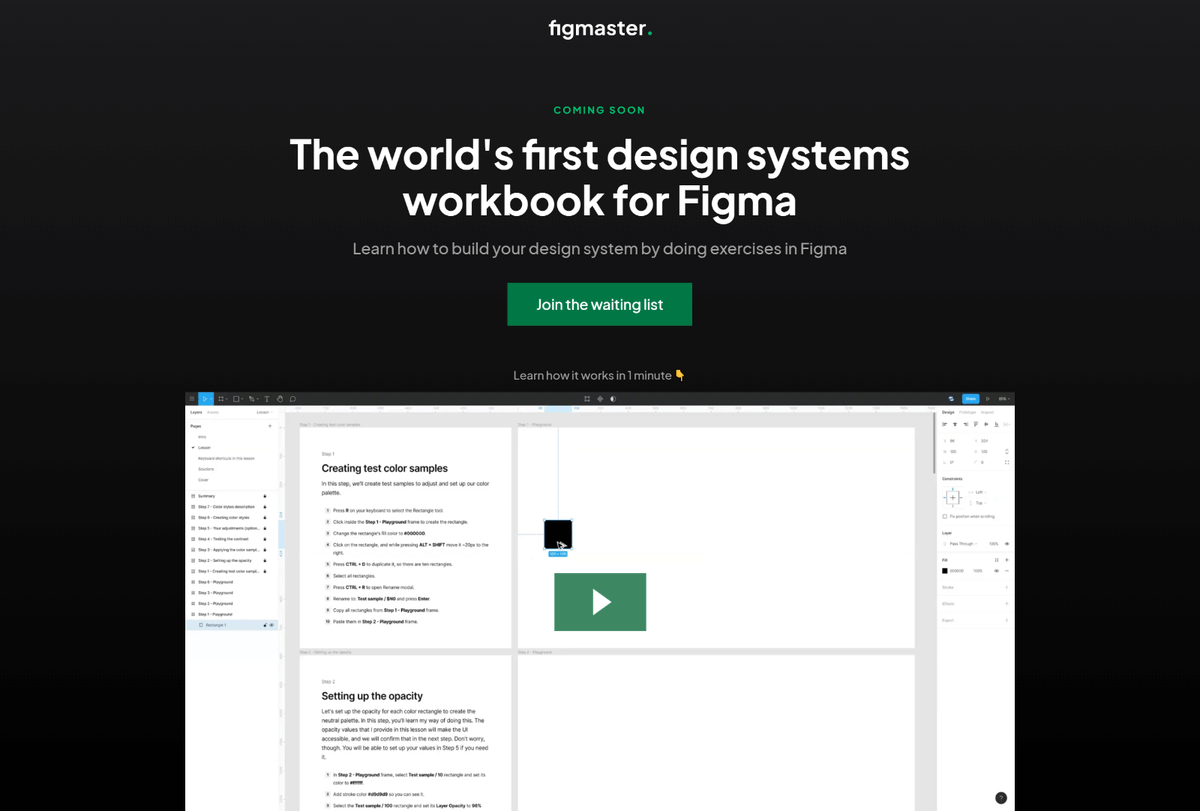
    Meet the The world's first design systems‍ workbook for @figmadesign By learning, you create + you get to know keyboard shortcuts, plug-ins, and techniques of working that will speed up your workflow. Everything happens in Figma! More details 👇
    Download
    31467
  8. Matt✓@matsugfx
    @matsugfx
    Did you check out the demo lesson? I would love to hear your thoughts on this! Please answer a few questions in the form. 🙏 You will help me make Figmaster a better resource!
    101
  9. Matt✓@matsugfx
    @matsugfx
    Tomorrow, I'm sharing the next demo lesson of the It covers building a pixel-perfect dropdown menu component in @figmadesign with auto layout and variants. Join the waiting list to get notified when it's available! #autolayout #variants #figmadesign
    Download
    314
  10. Lukas Oppermann@lukasoppermann
    Hey @figma, can we get #AutoLayout #styles? This would be very helpful to combine padding and gap styles. In css you can use the padding shorthand to combine paddings for all 4 sides.
    Download
    44675.4K
  11. Christine Vallaure@moonlearning
    🚀 COURSE UPDATED: Added some videos with config updates of min/max sizes and auto layout wrap, along with a comprehensive section on variables and breakpoints to my Figma responsive design course #Figma #Autolayout #CourseUpdate #Config2023
    0115798
  12. Show more posts