30 GitHub tricks every developer should know :-
→ Use GitHub Issues to track bugs and tasks.
→ Use Pull Requests to review code before merging.
→ Use GitHub Discussions to collaborate with developers.
→ Use GitHub Actions to automate workflows.
→ Use GitHub Pages to host static websites.
→ Use GitHub Gists to share code snippets.
→ Use GitHub Projects to manage projects.
→ Use GitHub Copilot to assist with coding.
→ Use README. md to document your projects.
→ Use Markdown to format documentation.
→ Use branch protection rules to protect important branches.
→ Use CODEOWNERS to assign code reviewers automatically.
→ Use GitHub Releases to publish software versions.
→ Use GitHub Tags to mark important commits.
→ Use GitHub Templates to standardize issues and pull requests.
→ Use GitHub Secrets to store sensitive workflow credentials.
→ Use Dependabot to update dependencies automatically.
→ Use CodeQL to identify security vulnerabilities.
→ Use GitHub Sponsors to support open-source developers.
→ Use Star to bookmark interesting repositories.
→ Use Fork to create your own copy of a repository.
→ Use Watch to receive repository notifications.
→ Use Pin Repositories to showcase your best projects.
→ Use Topics to make repositories easier to discover.
→ Use GitHub Search to find repositories, code, and developers.
→ Use Keyboard Shortcuts to navigate GitHub faster.
→ Use GitHub CLI to manage repositories from the terminal.
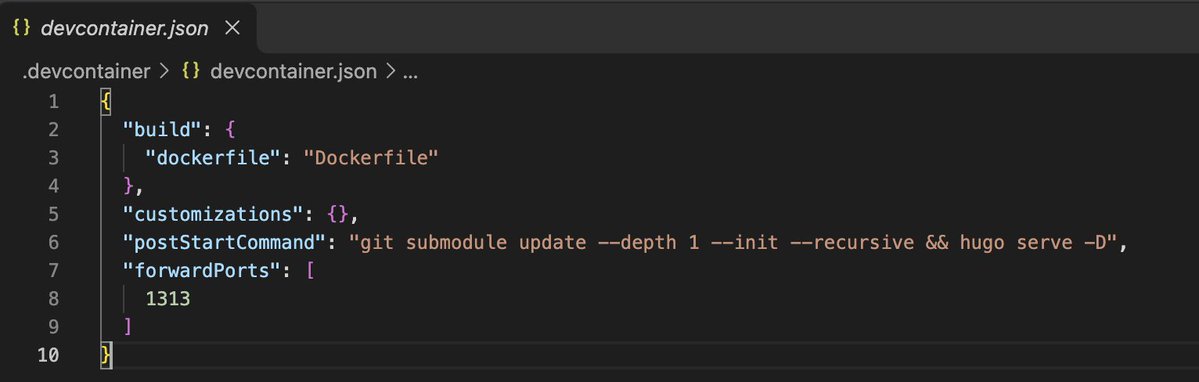
→ Use GitHub Codespaces to develop in a cloud environment.
→ Use .gitignore to prevent unnecessary files from being tracked.
→ Use CONTRIBUTING. md to guide open-source contributors.
109282K