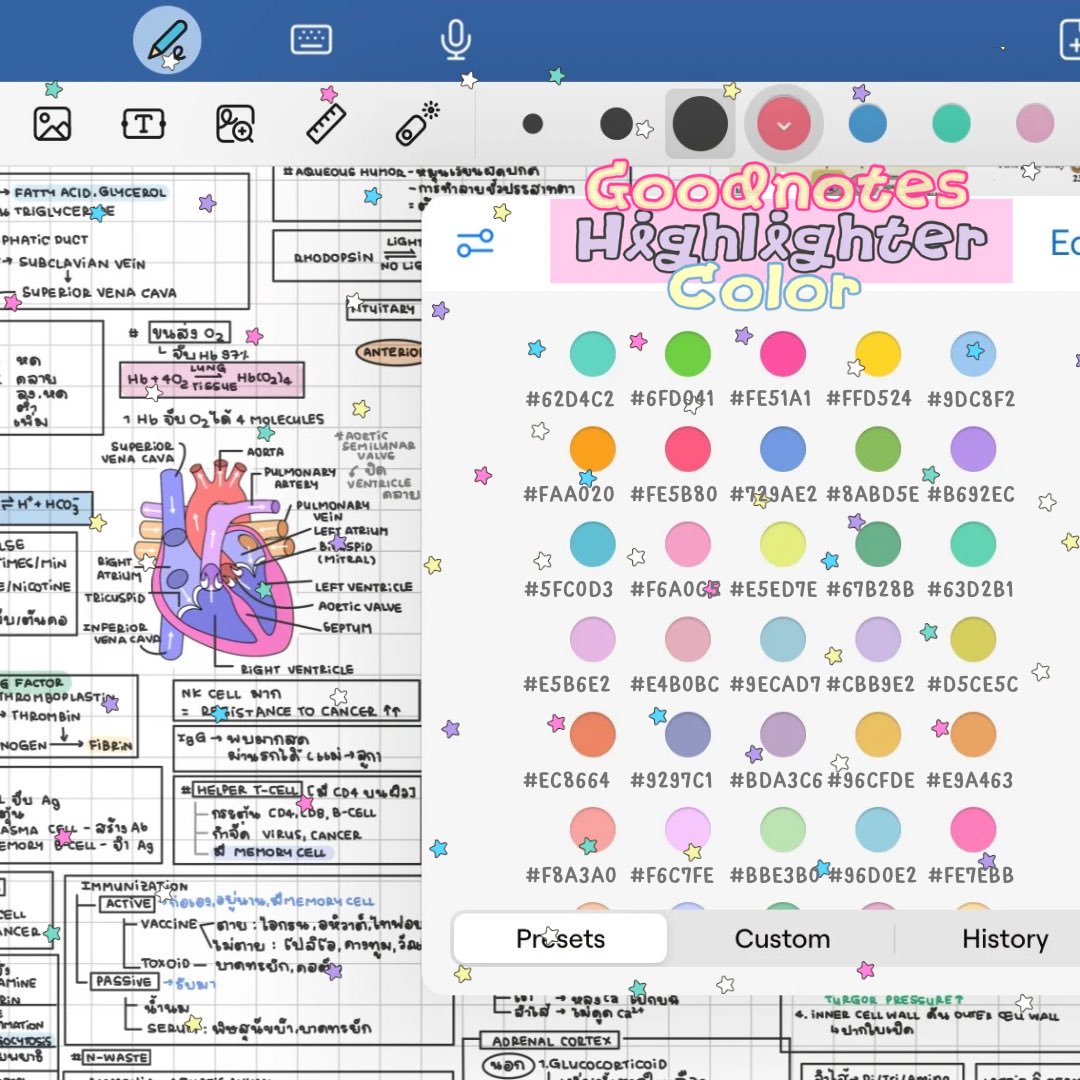
Highlights that keep up with your notes ✍️
The new Text Highlighter in Goodnotes works like text formatting — the color stays with your words, even when you edit, resize, or move the box.
Select, highlight, done. Now rolling out on all platforms.
From our humble beginnings in 2011 to today's reimagined experience - watch as Goodnotes evolves through the years. What started as a simple digital paper app has transformed into a powerful platform for capturing ideas in any form.
The new Goodnotes is here - with Whiteboards, Text Documents, and AI superpowers all in one unified place. No longer just Goodnotes 6, but simply Goodnotes - where your ideas come to life.
Our journey continues with a fresh look and a bold new vision.
Download now and experience the next chapter of note-taking.
The wait is over for the NEW Goodnotes!
For the first time ever, we're also offering two product offerings: Goodnotes Essential and Goodnotes Pro! We're introducing Whiteboards, Text documents, and Goodnotes AI.
👉 All paid Goodnotes 6 users will automatically be upgraded to Goodnotes Essential, unlocking access to the new Whiteboard and Text Documents features
👉 Goodnotes Pro unlocks powerful tools designed for teamwork like advanced collaboration, Goodnotes AI for Meetings & integrations.
👉Goodnotes AI is your collaborator to co-create and shape ideas from any source—notes, images, audio, and more. Get the full Goodnotes AI experience with AI Pass
We're thrilled to unveil our biggest update yet, bringing powerful new features to Goodnotes!
#Goodnotes
Meet @goodmeetapp 👋 a new AI meeting notetaker from the Goodnotes team!
📒 It captures your meetings, turns them into clear notes, and highlights action items, so you can focus on the conversation
🔒 Transcription runs on your Mac; summarizing runs on confidential computing; syncing and sharing are protected with end-to-end encryption.
💬 Your meeting data can’t be used to train our AI
Try the free beta on Mac with Apple silicon and help us make Goodmeet better ✨
🔗
Summer was jam-packed at Goodnotes!
From a quick fix for messy handwriting and the first rollout of Layers to faster diagrams and several small-but-satisfying tweaks, there’s a lot to catch up on.
🧵 Here are all the latest updates between July and September 👇
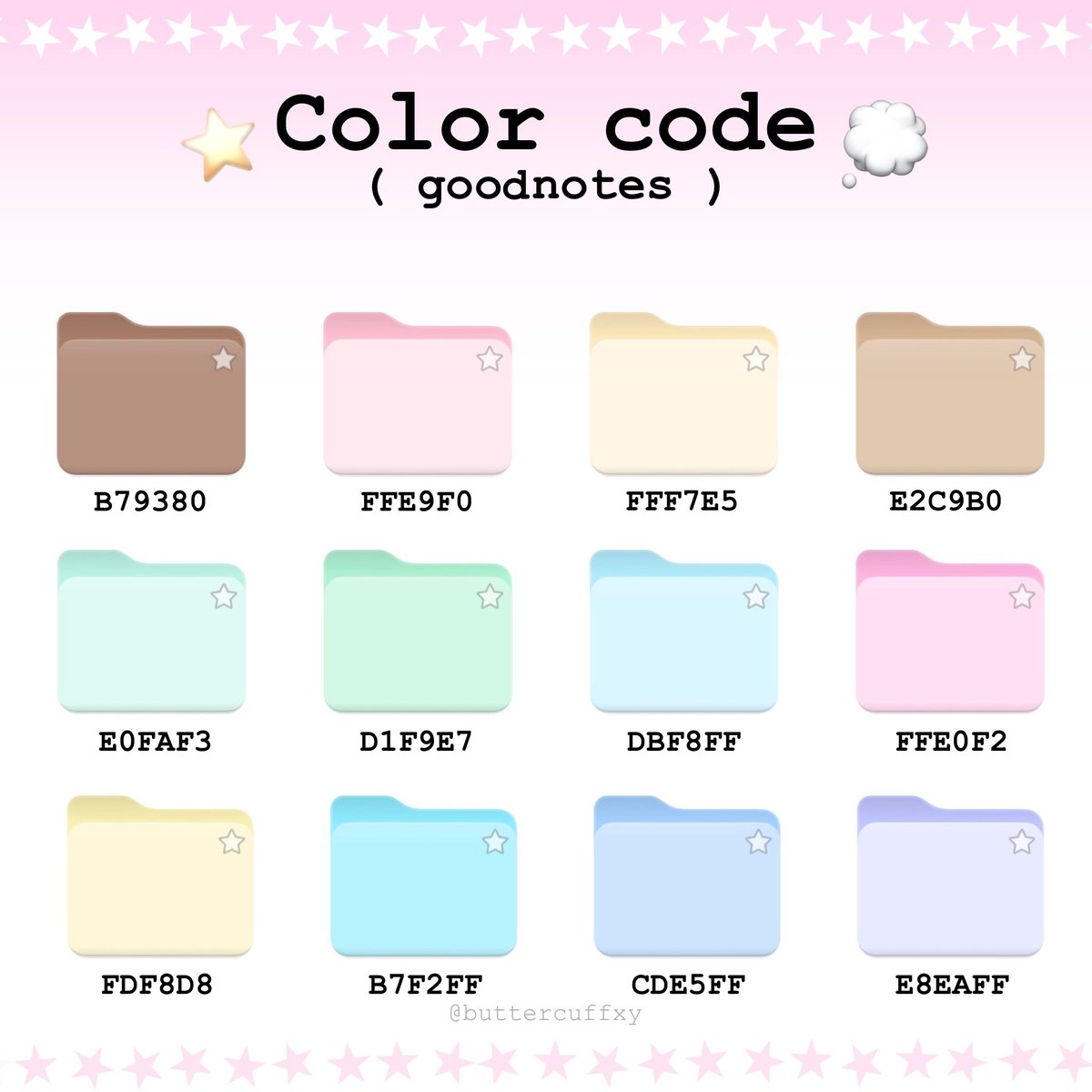
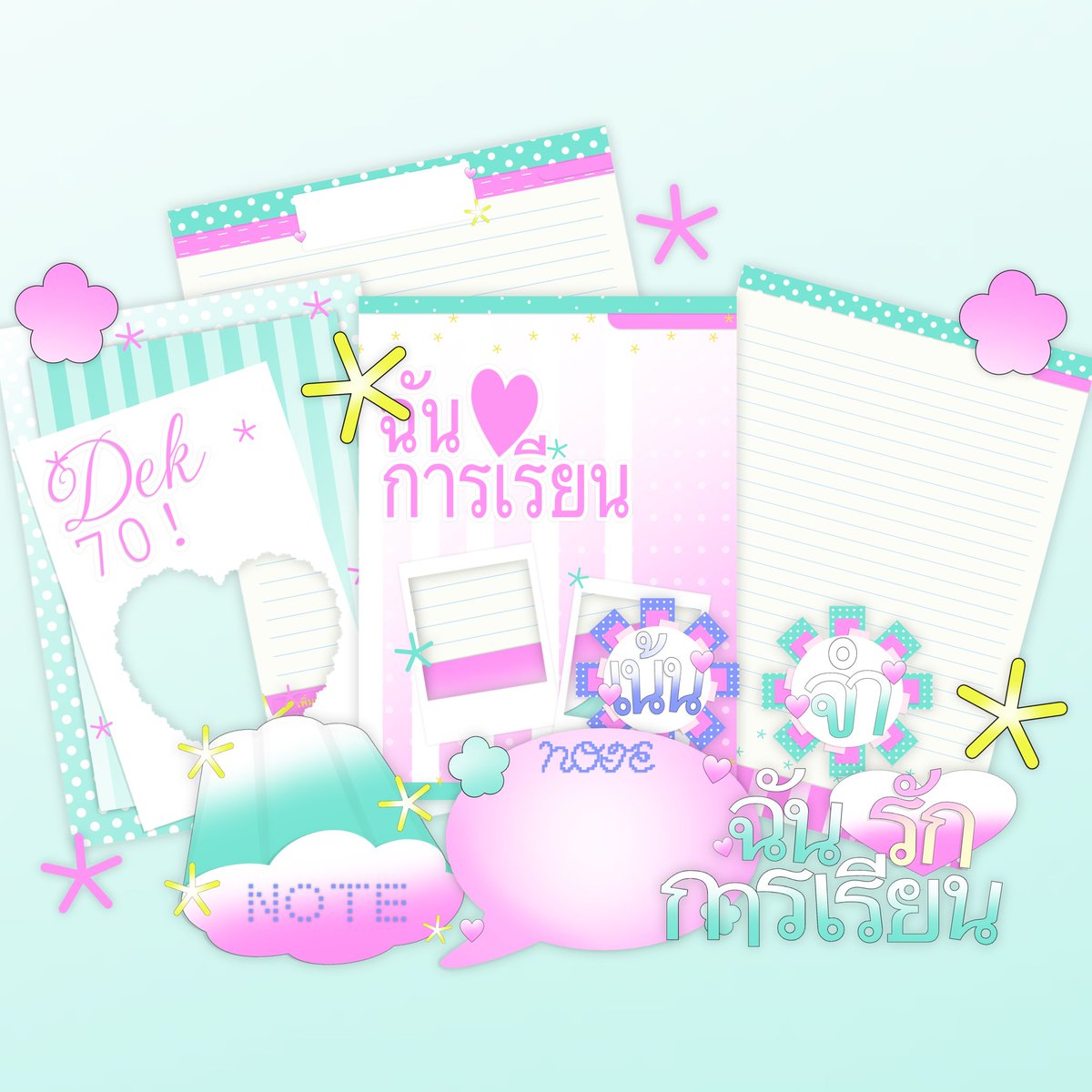
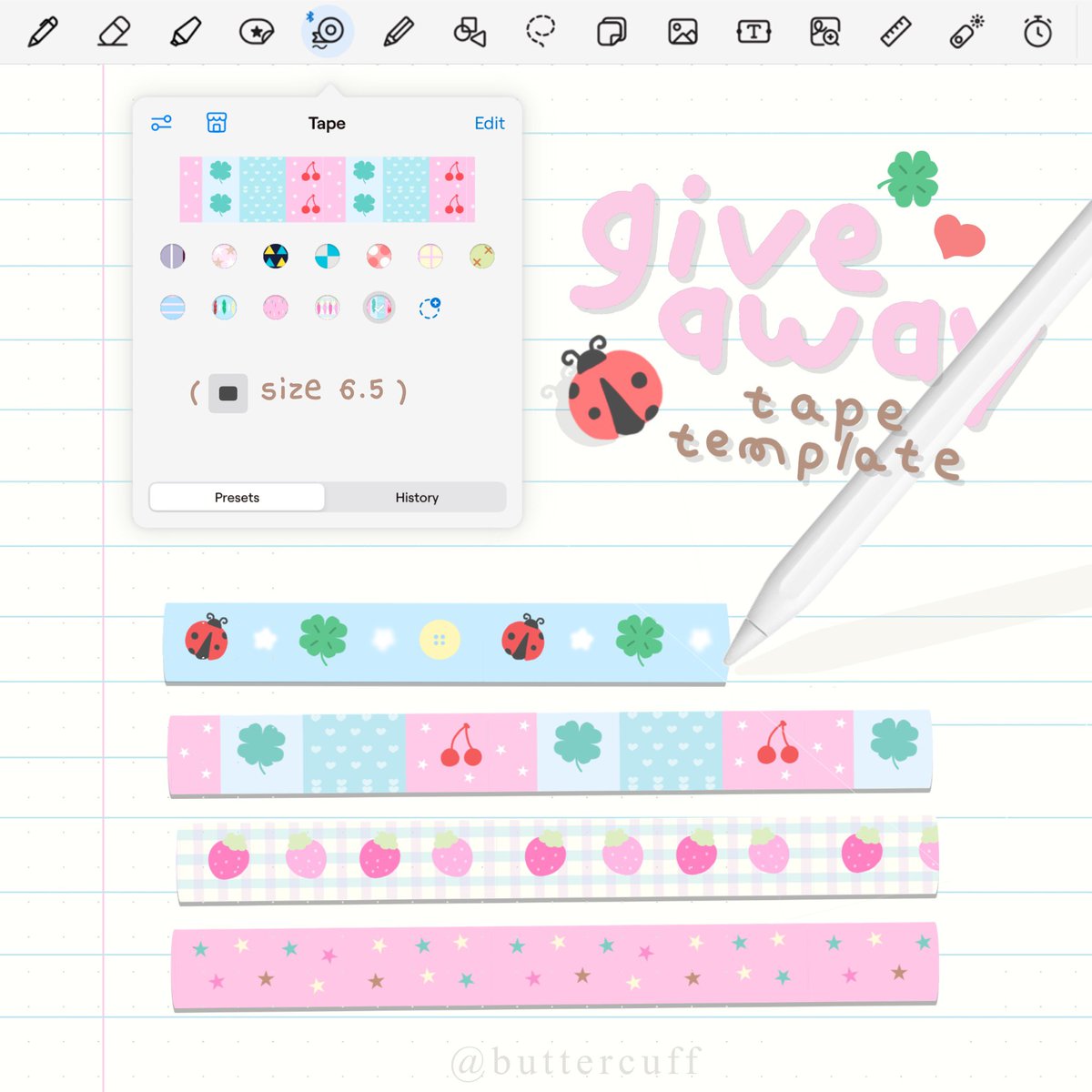
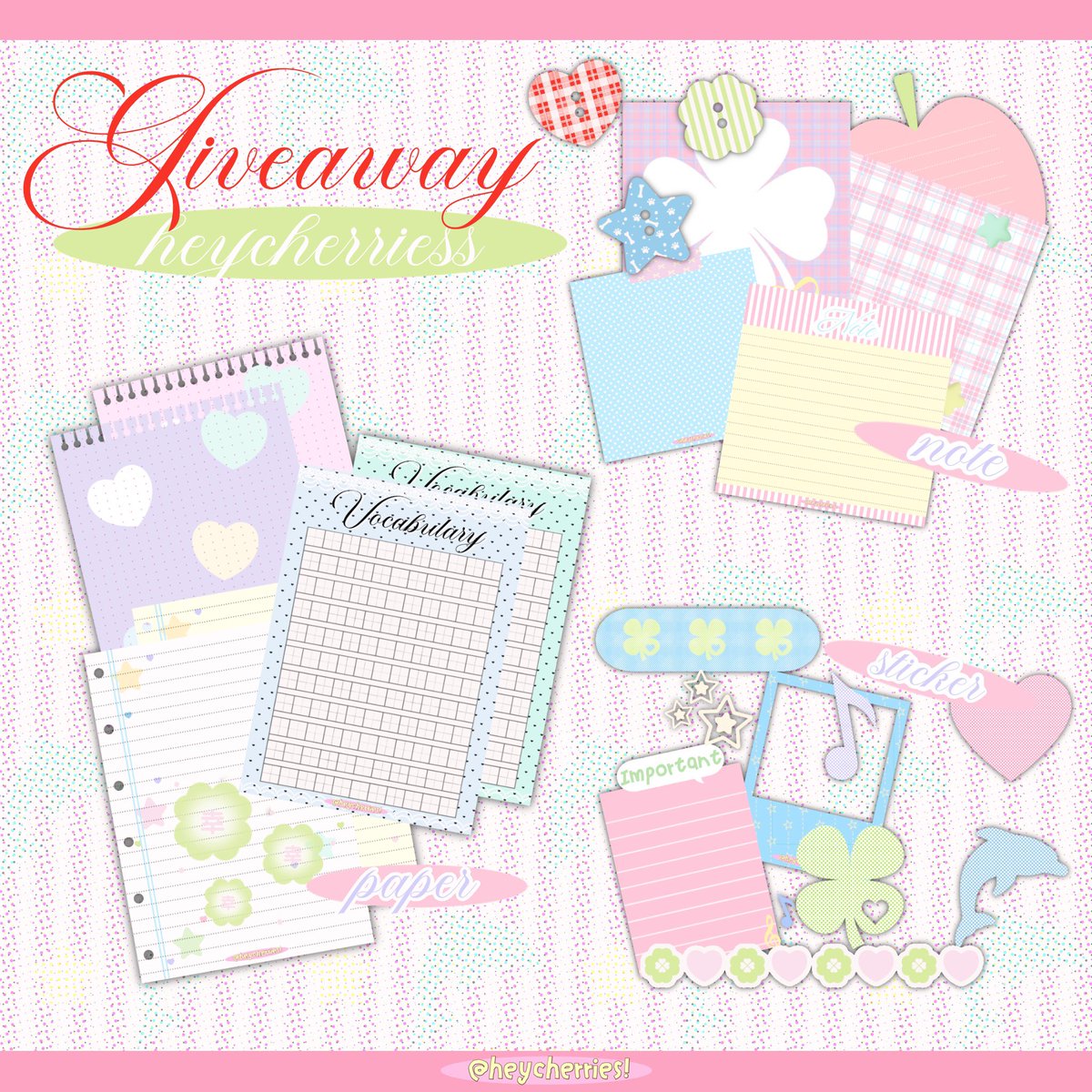
♡♡ kindly rt before use ౨ৎִ♡ཾ𓈒. .𓈒 𐨨ྀི 💒
giveaway 🍒★★
🧉 coverbook , paper , planner , png
personal use only ( do not reupload )
🏑 link in mention ꩜
#แจกpng#แจกไฟล์png #goodnotes
[Feature 2: Smart Tables, Wrapped Images & Math]
- Long tables auto-split across pages along ruled lines and repeat header rows at the top of the next page.
- Preserves fonts, colors, math, charts & wrapped images!
#Goodnotes#GoogleDocs#DigitalNotebook
[Feature 3: A3 Spreads & Duplex Binder Margins]
- A3 Landscape Spreads: 100% full-scale typeset page on the left + ruled/grid note page on the right.
- A4/A5 layouts with auto odd/even gutter margins for binders.
#Goodnotes#GoogleDocs#DigitalNotebook
Dear netizens from around the world, I made cooked this pic based on my Goodnotes note, hope you may find it useful!
(welcome to download and recreate it for any purposes if you want, no credits required )
#DigitalPlanning#Goodnotes#iPadNotes#StudyGram#memes#reactions
Major update to "Line-aligned" — a free app that auto-typesets Google Docs™ & study PDFs into ruled loose-leaf & digital notebooks!
Create crisp vector PDFs in 1 click for printing or iPad note-taking🧵👇
#Goodnotes#GoogleDocs#DigitalNotebook
What I wanted from a 2027 planner: working hyperlinks, calm pages, nothing else. A hyperlinked PDF for GoodNotes & tablet apps — monthly and weekly layouts, goals and notes, tabs that just work. $19 #GoodNotes#DigitalPlanning