Posts with #WindowsTips

#WindowsTips

Public posts on X that use #WindowsTips.

Related hashtags

  1. DellCares@DellCares
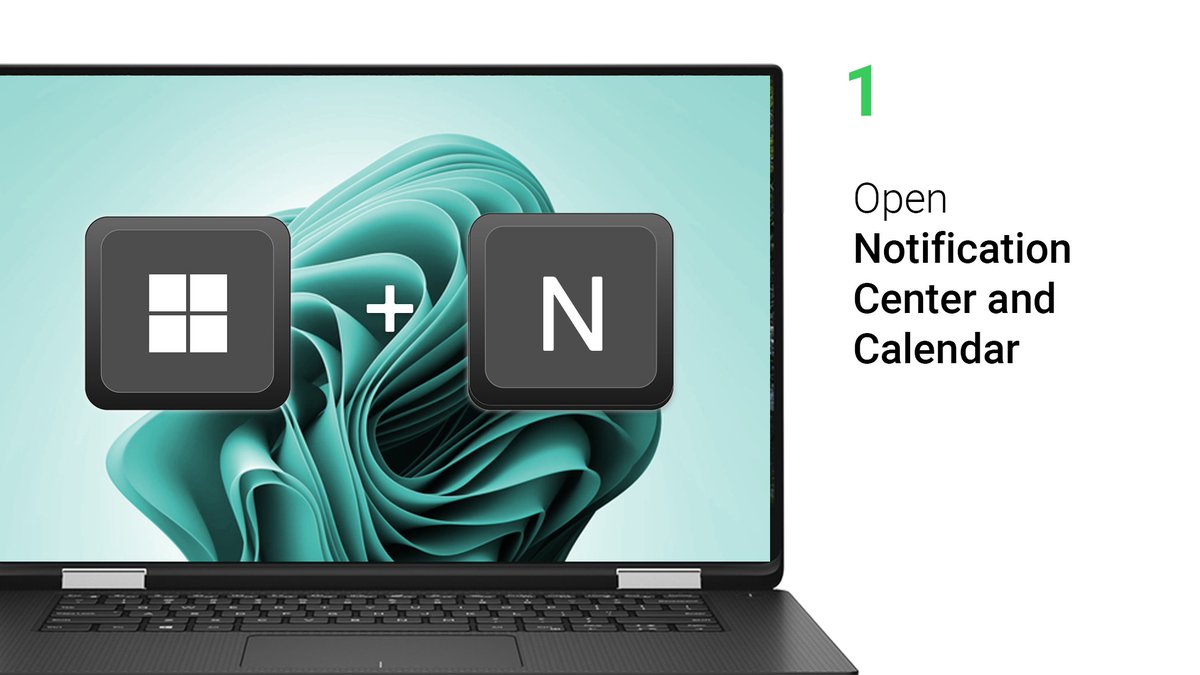
    ⌨️ Learn how to quickly and easily open Teams chat or use voice typing with these #Windows keyboard shortcuts. Tap here to find even more useful shortcuts: 👉 👈 #DellTips #WindowsTips
    Download
    9443806
  2. Sean Simz Tech@SeanSimzTech
    Need to move files in Windows? RoboCopy can copy a folder with one simple command—and automatically create the destination folder. It even reports what copied and how long it took. #WindowsTips #TechTips
    Download
    0004
  3. Windows✓@Windows
    Whether you're using a mouse, or touch, it's easy to exit when you're done with your apps! #WindowsTips
    Download
    177667
  4. Noble Facultyy@NobleFacultyy
    This simple Windows feature can make your computer experience faster, easier, and more productive. Most Windows users don’t even know it exists! #WindowsTips #tech
    Download
    125984.8K
  5. MiniTool✓@minitool_
    #windowstips #customicons Learn how to customize your desktop icons on Windows in just seconds! Perfect for anyone who wants a cleaner, more personalized setup.
    614261.4K
  6. MiniTool✓@minitool_
    Disk Management Tips #13 - Add Mirror🌟 Want to protect your data against disk failure? 💾 Learn how to add a mirror in Windows Disk Management to create a duplicate copy of your volume and improve data redundancy. 🖥️ #WindowsTips #DiskManagement #DataBackup
    Download
    003117
  7. Sean Simz Tech@SeanSimzTech
    Game clips and screenshots filling the wrong drive? Move the Windows Captures folder to a location that works for you, then check Gaming settings to confirm the new path. #WindowsTips #PCGaming
    Download
    0001
  8. Sean Simz Tech@SeanSimzTech
    Two monitors, four modes: extend, duplicate, or show on just one screen. Change the setup in Display Settings—or press Windows + P for a quick switch. #WindowsTips #TechTips
    Download
    000
  9. Sean Simz Tech@SeanSimzTech
    Is your drive healthy? Windows makes it easy to check in Disk Management—or under Settings → System → Storage → Disk & volumes. Open Properties for details like drive type, capacity, estimated life, and temperature. #WindowsTips #PCHealth
    Download
    0001
  10. Sean Simz Tech@SeanSimzTech
    Check your drive temperature in Windows without extra software: open Disk and Volumes, select the drive, then view its temperature under Drive Health in Properties. #WindowsTips #PCMaintenance
    Download
    0001
  11. Show more posts