Do you manage your commits form the UI or the command line? Managing it from the UI has its advantages, especially when checking the diff between two versions. Making partial commits is also a breeze in #PyCharm as you can see in the video below.
Want to study machine learning but don’t know where to start? #PyCharm and #JetBrainsAcademy have come to the rescue!
Check out this blog post to learn how to enhance PyCharm Professional Edition for machine learning and create your own neural network!
#PyCharm 2020.1 is out now! Interactive Rebasing, Smarter Debugging, JetBrains Mono, and much more! Check our "What's new" page and see all the improvements!
Working with #Flask? #PyCharm 2020.2 now automatically starts the Flask shell when you are working is a Flask app so that you can speed up your process and start experimenting right away!
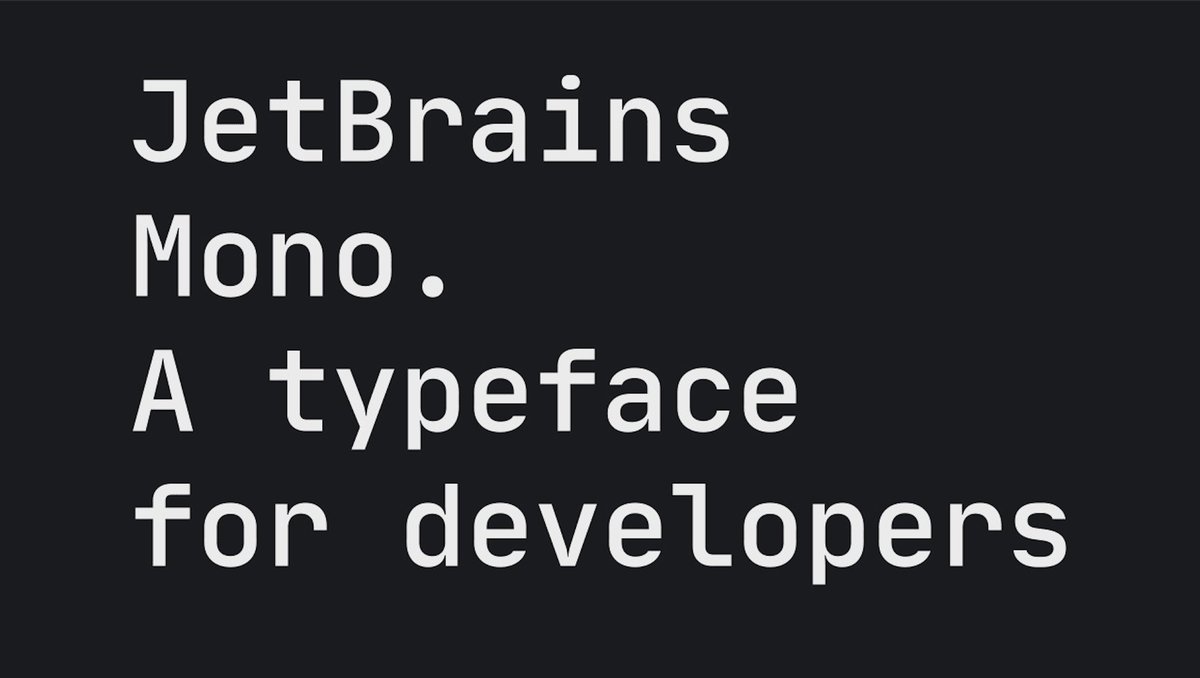
Have you tried the new JetBrains Mono font? JB Mono is a free & open-source typeface designed specifically for programming. It has increased letter height for better reading and many other details to improve the developer ergonomic. Ah, it's now the default font in #PyCharm!
Quick tip: Starting up a new computer and don't have #Git installed yet? Don't worry, #PyCharm 2020.1 has the ability to download and install Git for you whenever it's not found in your machine!
Did you have some fun creating a #Python project using #PyCharm? Join the #10YearsOfCodingTogether celebration, share your project, and get the chance to win this cool PyCharm hoodie! See how at
Competition time! As part of the #10YearsOfCodingTogether celebration, we are looking for the 10 most groundbreaking projects created with #PyCharm in the last decade! Share your project in this thread and get the chance to win prizes! Learn more at
It's all up to you now! Use your voting power and help us choose 10 winners to claim the title of #PyCharm Project of the Decade! Cast your votes here: