[Python For Beginner]
[Day 2nd-Structure of Python Script]
# Introduction:
# This script calculates the area and perimeter of a rectangle using the math library.
# Part 1: import libraries (as necessary)
import math
# Part 2: Input
# We take the length and width of the rectangle as input from the user.
length = float(input("Enter the length of the rectangle: "))
width = float(input("Enter the width of the rectangle: "))
# Part 3: Calculation
# The area of a rectangle is calculated by multiplying its length and width.
area = length * width
# The perimeter of a rectangle is calculated using the formula: 2 * (length + width)
perimeter = 2 * (length + width)
# Part 4: Output
# We print the calculated area and perimeter.
print(f"The area of the rectangle with length {length} and width {width} is {area}.")
print(f"The perimeter of the rectangle is {perimeter}.")
🚀📷#PythonForBeginners#Pyforlife
Put all to PyForBeginner_Day2.py and show me result
Goodnight! Keep chasing your dreams and making them a reality. If you have any more questions or need assistance in the future, feel free to ask. Sweet dreams!
🚀📷#PythonForBeginners#Pyforlife
Beginner Python tip:
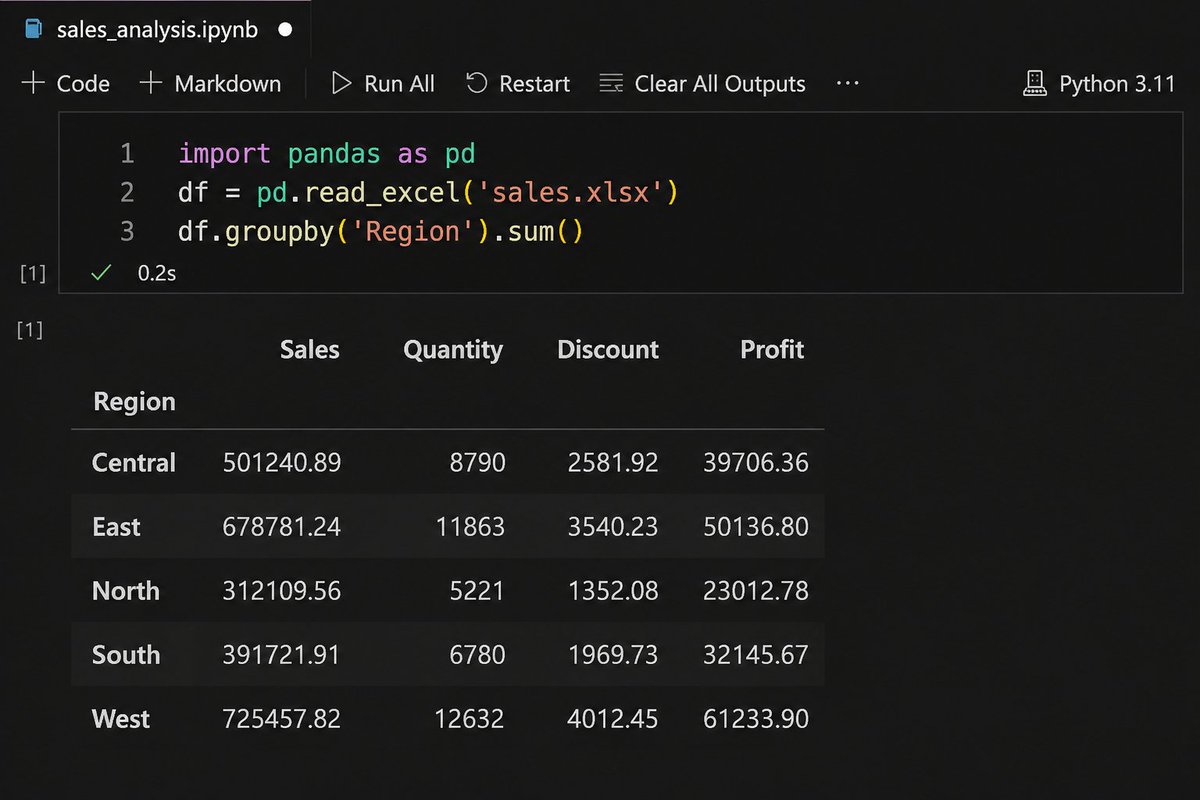
Stop using Excel for everything! (1/3)
Pandas in 3 lines:
import pandas as pd
df =
df.groupby('Region').sum()
Reply 'PYTHON' for full beginner code notebook.
#PythonForBeginners#DataAnalysis
@FondestJoel@tayooye I thought I was late and I'm 19, I do Html, Css and Javascript, currently building my python skills and I'm looking to start Blockchain developing.
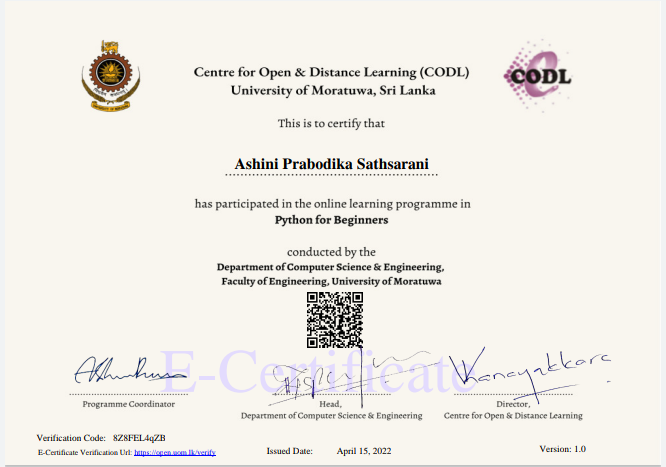
Successfully completed Python for beginners in Trainee Full Stack Developer
Conducted by Department of Computer Science &Engineering, Faculty of EEngineering, University of Moratuwa
#fullstackdeveloper#pythonforbeginners#uom#dpeducation
[Python For Beginner]
[Day 3rd-: Using Python for Open Web]
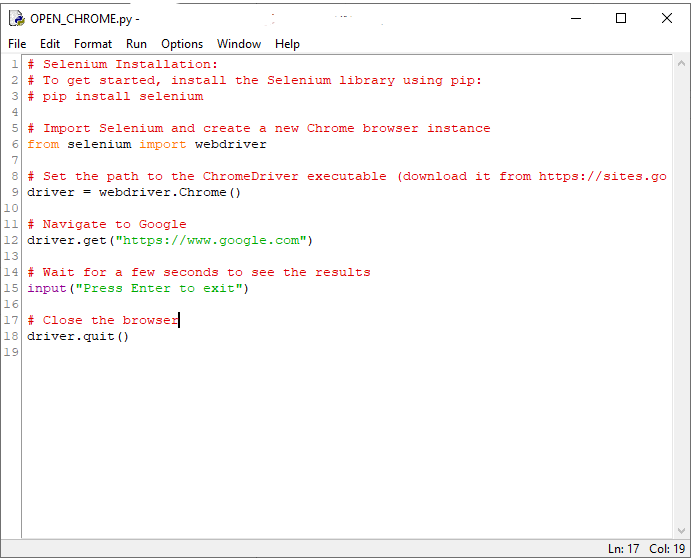
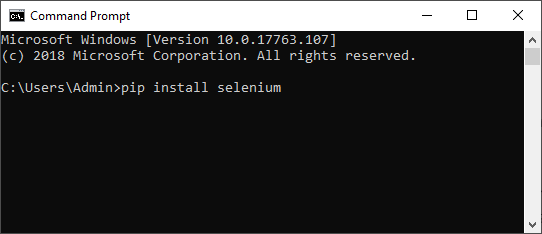
Sele Installation: First, make sure you have Sele installed. You can install it using pip with "pip install slenium".
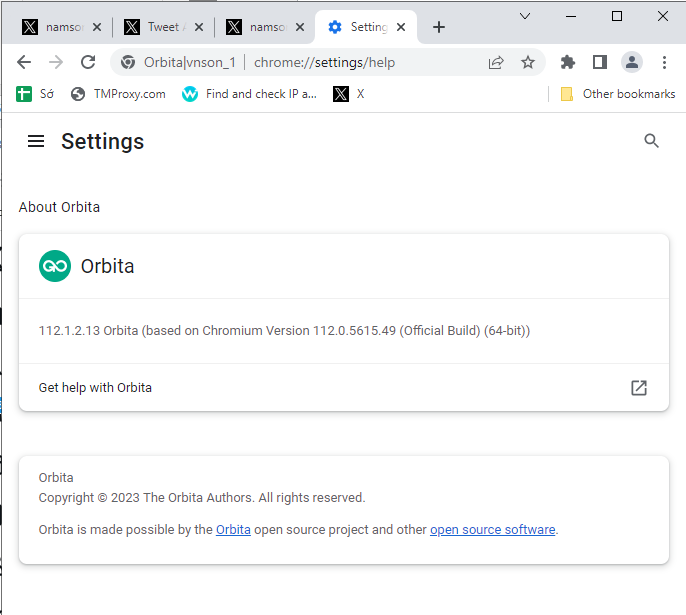
ChromDriver: Download the ChromDriver executable suitable for your Chrome browser version from here.
Update Script: In the script, type scirpt below
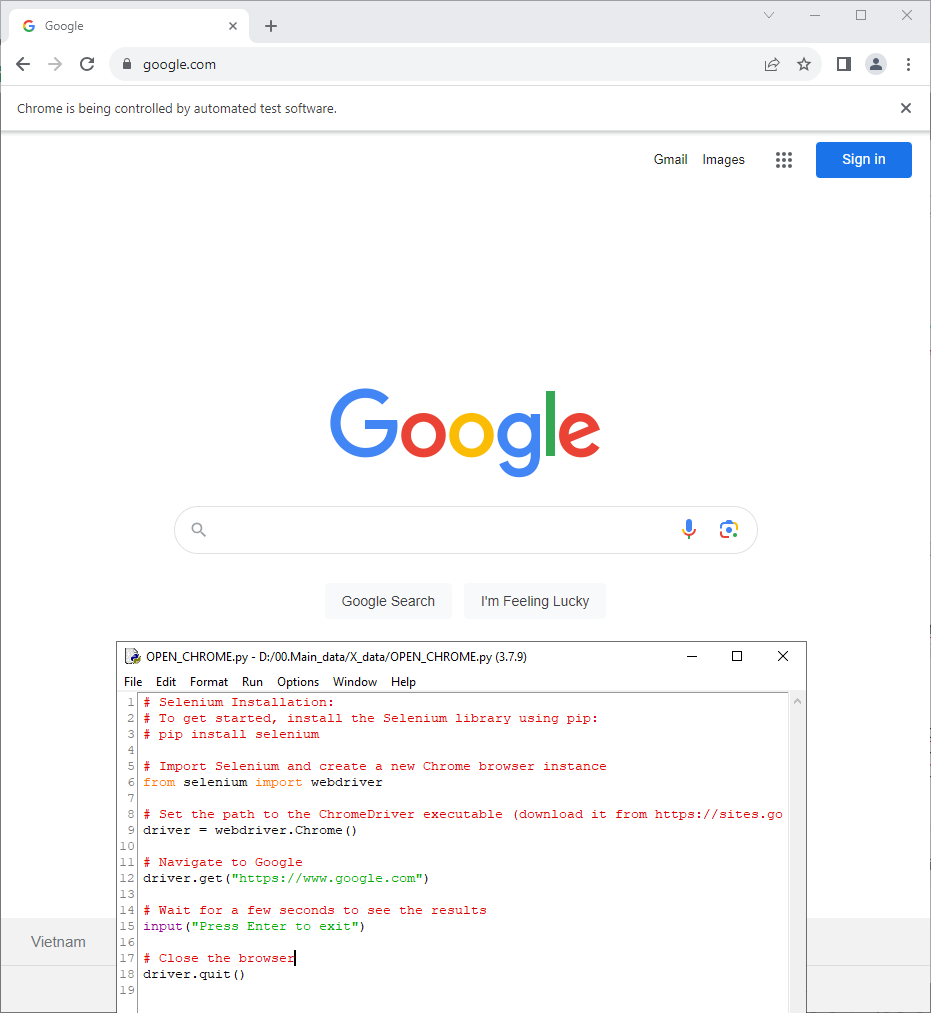
Run the Script: Run the script in your Python environment. It will open a Chrome browser, navigate to Google, wait for user input and then close the browser.
Customization: You can customize this script to perform various actions on websites. Sele provides functions to interact with web elements, navigate pages, and more.
🚀📷#PythonForBeginners#PyforlifePut all to PyForBeginner_Day3.py and show me result