Posts with #Unity2d
#Unity2d
Public posts on X that use #Unity2d.
Related hashtags


Shaders, VFX, Procedural Art, and Math for Graphics in Unity and Godot in just one Bundle ✨23466420.9K
How to make a Desktop Overlay Game in Unity 6 🤩 Please vote for me in the Unity Awards ❤️ #UnityTips #Unity2D #UnityAwards #GameDev87464525.4K
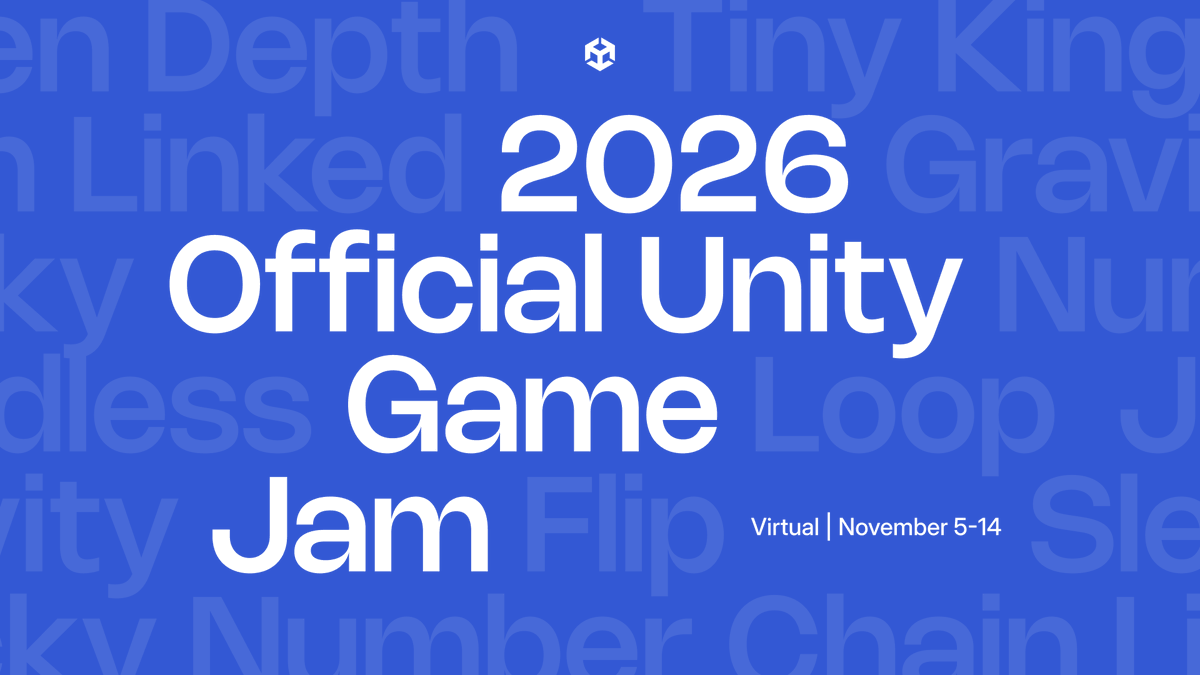
The 2026 Official Unity Game Jam is happening NEXT WEEK! 🎮🎉 Whether you’re a seasoned veteran, a student, or building your very first game, this is your time to shine. 📅 When: November 5th – 14th 📍 Where: Online via & the Unity Discord ⏰ Kickoff & Theme Reveal: Thursday, Nov 5 @ 12 PM EST / 9 AM PST What’s new this year? We’ve expanded the jam to a full 7 days to give you more build time, plus added The Buffer™ (extra time after the 7 days specifically to package, upload, and fix last-minute bugs without the deadline panic). We also added a Best Student Category designed specifically for those enrolled in educational institutions. Compete for awesome prizes like Unity Pro, Discord Nitro, Odin Inspector, and Photon Plus! 🔗 Register now:43717216.7K
Do you want to create some shaders but need to know how to start? Get the Unity Shaders Bible book free sample! 🎁 #madewithunity #unity3d #unity2d #indiedev #gameassets #gamedev #gameart #shader #realtimeVFX #tutorial #ghibli21631.4K64.6K
Here's how to build a Japanese canal boat game with Claude Opus 5.5, Unity 6 and Blender. The trick is one system per prompt. Never "Make a boat game". The smart way to set it up: Step 1 -> Create a Unity 6 URP project and connect Opus 5.5 through Unity's plugin and Blender MCP. Step 2 -> Greybox the canal: water channel, stone walls, 2 bridges, docks. Step 3 -> Boat physics: throttle, steering, wake trails, speed in knots on the HUD. Step 4 -> Opus models the props in Blender: the covered boat, houses, the vermilion bridge, the pagoda, lanterns. Step 5 -> Water shader, day/night cycle and rain, with lanterns that switch on at dusk. Step 6 -> A compass on top and 9 landmarks that unlock on the map ("water gate, 3 of 9"). Step 7 -> Docking lessons: "come alongside the temple steps below 2 kn and press E". Step 8 -> Opus playtests in play mode, reads the console and lists the bugs before fixing them. Who does what: > Blender: every model. > Unity 6: the water, the light, the weather, the UI. > Opus 5.5: boat physics, quests, scene setup, tests. > You: steer it and say what feels off. Test every feature at night in the rain. If it still looks good there, it will look good everywhere.sorenxet @sorenxetSomeone with zero coding background shipped a game in 6 weeks with Claude Opus 5.5 and Godot, and the setup is worth copying line by line. The rule underneath all of it: one feature at a time, tested in the game, before the next one exists. Step 1 -> Opus 5.5 in Claude Code, opened inside the Godot project itself. Step 2 -> Build one feature, play it, adjust until it feels right, only then start the next. Step 3 -> Reference images in the game's style from Codex/Astra. Step 4 -> Every image prompt that works gets saved as JSON and fed into the next generation, so the style never drifts. Step 5 -> Big 3D assets in Tripo P2, built from those references. Step 6 -> Small props modeled in Blender, textured in Tripo with the same refs, which is the cheap route. Step 7 -> Animation in Cascadeur. Step 8 -> Every VFX and shader documented in Obsidian so the look holds across six weeks. Who does what: > Opus 5.5: most of the code. > Codex/Astra: references and assets. > Tripo P2: the big 3D models. > Godot: custom tools, headless scripts, the game itself. One JSON file of good prompts is the reason every character, monster and prop looks like it belongs in the same world. (Built by afterthewinddev, all credit there.)91927625K
Someone with zero coding background shipped a game in 6 weeks with Claude Opus 5.5 and Godot, and the setup is worth copying line by line. The rule underneath all of it: one feature at a time, tested in the game, before the next one exists. Step 1 -> Opus 5.5 in Claude Code, opened inside the Godot project itself. Step 2 -> Build one feature, play it, adjust until it feels right, only then start the next. Step 3 -> Reference images in the game's style from Codex/Astra. Step 4 -> Every image prompt that works gets saved as JSON and fed into the next generation, so the style never drifts. Step 5 -> Big 3D assets in Tripo P2, built from those references. Step 6 -> Small props modeled in Blender, textured in Tripo with the same refs, which is the cheap route. Step 7 -> Animation in Cascadeur. Step 8 -> Every VFX and shader documented in Obsidian so the look holds across six weeks. Who does what: > Opus 5.5: most of the code. > Codex/Astra: references and assets. > Tripo P2: the big 3D models. > Godot: custom tools, headless scripts, the game itself. One JSON file of good prompts is the reason every character, monster and prop looks like it belongs in the same world. (Built by afterthewinddev, all credit there.)231930848.6K
Over 1400 pages about shaders, compute shaders, technical art, procedural art, math for graphics, and more in Unity ✨ #unity3d14046613K
30 days with Opus 5.5, 227 commits and Blender MCP turned into an actual game headed for Steam. I Just Wanted to Fish is being built in Unity, but the interesting part is the 3D workflow. Most of what you see was created by Opus 5.5 through Blender MCP, including the animations. The workflow goes pretty deep: > Opus 5.5 + Blender MCP for most 3D models > Blender MCP for all animations > Unity for the game > `CLAUDE.md` to maintain a consistent art style > consistent visual references for asset generation > usually 3–4 iterations before an asset is right Opus 5.5 even wrote a custom tool for creating difficult hand poses in Unity, which are then used for animations like holding a fishing rod or making a fist. The audio is one of the few parts that isn't AI-generated. It's recorded manually or sourced from free libraries. All of this after just 30 days and 227 commits. This is getting way beyond “AI made me a prototype.”2781246.5K
Hey guys, if everything goes well, the Unity Shaders Bible physical version will be available next week on Amazon🍀 🔥 More information; #madewithunity #unity3d #unity2d #indiedev #indiedeveloper #IndieGameDev #indiegame #gameart #shaders #VFX334803.3K
Scott™@cronobreakTesting out some energetic and animated UI stylings for a mock game concept #unity2d #madewithunity1092980
ドット絵エフェクト244種類が、全部コードで生成されるライブラリ「pixelfx」が公開。 炎・爆発・魔法・天気・UIまで画像素材なしで全部入り。スプライトシートに書き出せばUnity等でも使えます。 MITライセンスで商用利用OK、さらにClaude Code用のスキル付きで新しいエフェクトも作れる。332102.4K108K
Some of these shaders / VFX are already included in the book package as a “case study,” but we will add more in the next book update. 🍀Take a look at it here; #madewithunity #unity3d #unity2d #indiedev #indiedeveloper #indiegame #VFX #gamedesign71451.1K
Are you creating a platform game? Here's an example of procedural water + player interaction you can use as a reference! Want to learn about #unity2d #shader ? 🌊Get our book here, #madewithunity #indiedev #gamedev #gameart #procedural #realtimeVFX41571.2K101K
You can 𝘀𝗲𝗹𝗲𝗰𝘁 𝗺𝘂𝗹𝘁𝗶𝗽𝗹𝗲 𝗘𝗻𝘂𝗺 values in 𝗨𝗻𝗶𝘁𝘆 𝗶𝗻𝘀𝗽𝗲𝗰𝘁𝗼𝗿 by using [𝗙𝗹𝗮𝗴𝘀] attribute 🙂👍 #UnityTips #Unity2d #Unity3d #gamedev #gamedevelopment #coding #csharp #IndieGameDev510586282.5K
角や斜面にも対応する、Unity製の崖つかまりシステム。 クリエイター(shoseini氏)が制作し、複雑な形状でも手を置く位置を検出してIKに反映します。ゲーム制作中に崖の検出精度を追求しすぎて、システム自体をアセット化したという開発経緯も面白い。43236512.6K
Here's a showcase video of water effects we've created in #unity3d , mostly for mobile devices! Would you like to learn about shaders in Unity? ⭐️Here's our book, #madewithunity #unity2d #indiedev #gamedev #gameart #realtimeVFX #ゲーム制作 #shader72131.3K65.2K
🌱🍊Kirwick🍊🌱@KirwickSI had this urge to try out shaders and particles in Unity, and it escalated into a start of a little dragon game!! :D Inspired by this other tweet, link below! I got a ton of help from SlowNStupid with the code, couldn't have gotten this far without him!🙏💙 #unity2D #gamedev871262
the jimothy campbhell of #venustwt@venus22j2im so mad they didnt get more development i loved unity92862.3K10.2K- Show more posts