Posts with #eGPU

#eGPU

Public posts on X that use #eGPU.

Related hashtags

  1. HotDropFPS✓@hotdropfps
    Drop your GPU + how much you paid for it. No deleting your reply when everyone starts judging you.
    3.5K221.6K347K
  2. SuSu_酥酥👅✓@NFT_Chen
    🤯炸了!RTX 40系显卡算力被破解了,性能近乎翻倍!从4090到4060 Ti全都能用! 不刷BIOS、不改驱动,直接把被锁的Tensor算力放出来,跑AI矩阵乘快一倍左右。 实测亮点: 🔹4090:FP16/BF16 从165→331 TFLOPS,接近翻倍 🔹4080 SUPER:FP16涨到1.83倍,FP8也翻倍 🔹4070 Ti SUPER:FP16/BF16翻倍,FP8矩阵乘涨到1.95倍 🔹4060 Ti:还能涨近40%,Windows也能试 简单使用步骤(Linux): 1️⃣下载安装:git clone && cd gpu-unlock-ada && make install 2️⃣运行 python3 tools/print_boot_option.py 拿到你的卡参数 3️⃣把参数加到开机启动项,关掉Secure Boot 4️⃣关机、拔电源等几秒再开机(必须冷启动) 敢试的今晚拔电源试试,评论区报结果! Windows用户去搜: 仓库: #RTX4090 #GPU解锁 #AI算力 #40系解锁 #本地AI
    Download
    SuSu_酥酥👅 @NFT_Chen
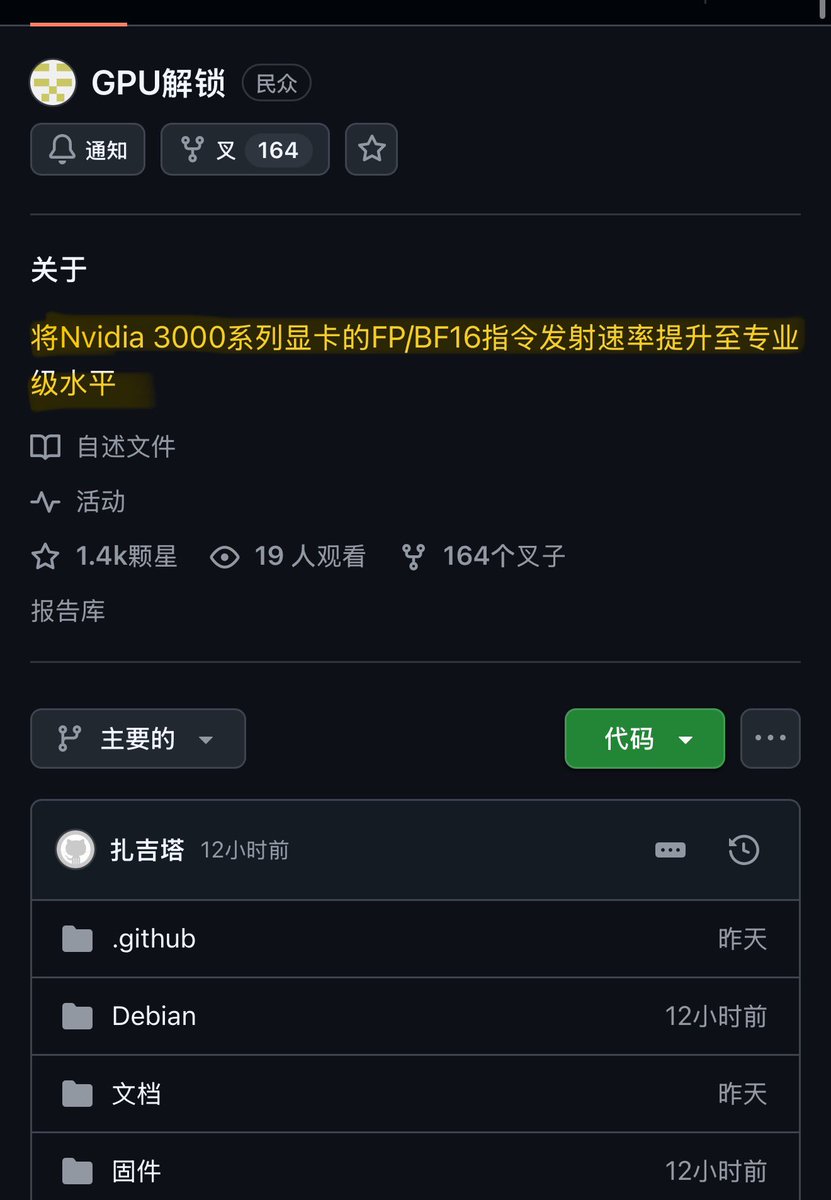
    💥卧槽!6年前的3090被“破解”了!Tensor算力直接翻倍,官方锁了一半的性能被开源一键释放! NVIDIA长期把30系显卡的FP16/BF16 Tensor指令发射速率限制在专业卡一半左右。 开源项目 gpu-unlock 用一个Linux内核模块,在驱动加载前改寄存器解锁,不刷BIOS、不改驱动、更新无忧。 牛逼之处: 🔹3090 Ti:BF16 87.5→157 TFLOPS,TF32 42.6→82.6 TFLOPS 🔹3080:FP16/BF16 约65→110–113 TFLOPS 🔹vLLM长上下文prefill快33–36%,首字延迟降25% 🔹结果比特一致,社区已在3070/3080/3090复现 关键步骤(仅Linux): 1️⃣git clone && cd gpu-unlock && make install 2️⃣内核参数加 gpu_unlock.targets=all,关Secure Boot 3️⃣更新引导并重启 4️⃣journalctl -k | grep gpu_unlock 看到 unlocked 即成功 
GitHub: #RTX3090 #NVIDIA #AI算力 #开源 #GPU解锁 #本地AI #vLLM #黄仁勋
    3236458.3K1.2M
  3. SuSu_酥酥👅✓@NFT_Chen
    💥卧槽!6年前的3090被“破解”了!Tensor算力直接翻倍,官方锁了一半的性能被开源一键释放! NVIDIA长期把30系显卡的FP16/BF16 Tensor指令发射速率限制在专业卡一半左右。 开源项目 gpu-unlock 用一个Linux内核模块,在驱动加载前改寄存器解锁,不刷BIOS、不改驱动、更新无忧。 牛逼之处: 🔹3090 Ti:BF16 87.5→157 TFLOPS,TF32 42.6→82.6 TFLOPS 🔹3080:FP16/BF16 约65→110–113 TFLOPS 🔹vLLM长上下文prefill快33–36%,首字延迟降25% 🔹结果比特一致,社区已在3070/3080/3090复现 关键步骤(仅Linux): 1️⃣git clone && cd gpu-unlock && make install 2️⃣内核参数加 gpu_unlock.targets=all,关Secure Boot 3️⃣更新引导并重启 4️⃣journalctl -k | grep gpu_unlock 看到 unlocked 即成功 
GitHub: #RTX3090 #NVIDIA #AI算力 #开源 #GPU解锁 #本地AI #vLLM #黄仁勋
    Download
    5899851851K
  4. Dexerto@Dexerto
    An IT company has listed a 300-rack AI supercomputer on eBay for $60 million with $50 overnight shipping It includes over 9,000 Nvidia A100 GPUs
    Download
    5751.2K31.9K2.3M
  5. Stix@StixTweaks
    🚨 PC Gamers Your Nvidia GPU might be DOWNCLOCKING mid game causing FPS dips Here's how to check ⬇️ 1. Right click desktop, NVIDIA Control Panel 2. Manage 3D settings, Program Settings 3. Pick your game 4. If Power management mode says Normal, set Prefer maximum performance
    Download
    53473247.3K
  6. ROG Global✓@ASUS_ROG
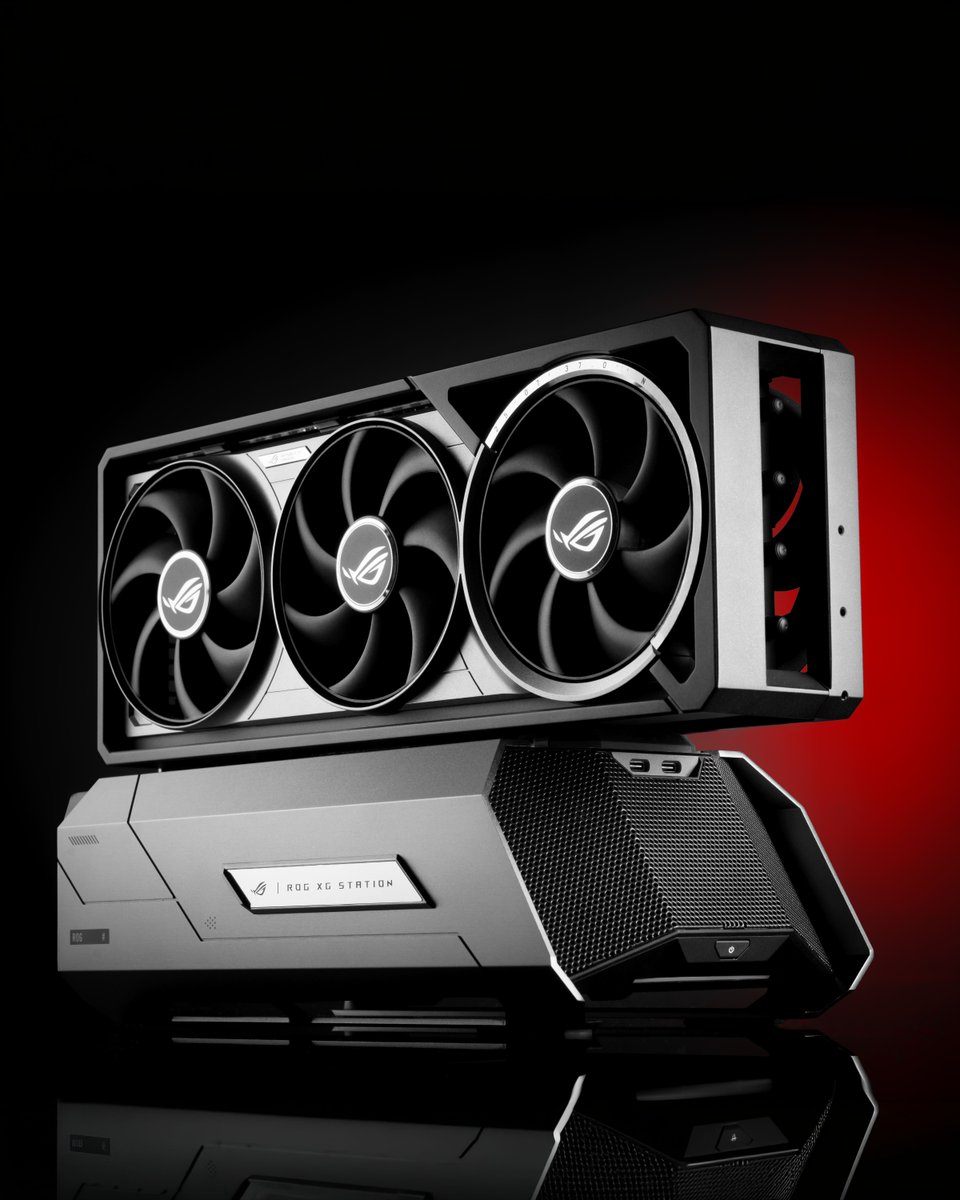
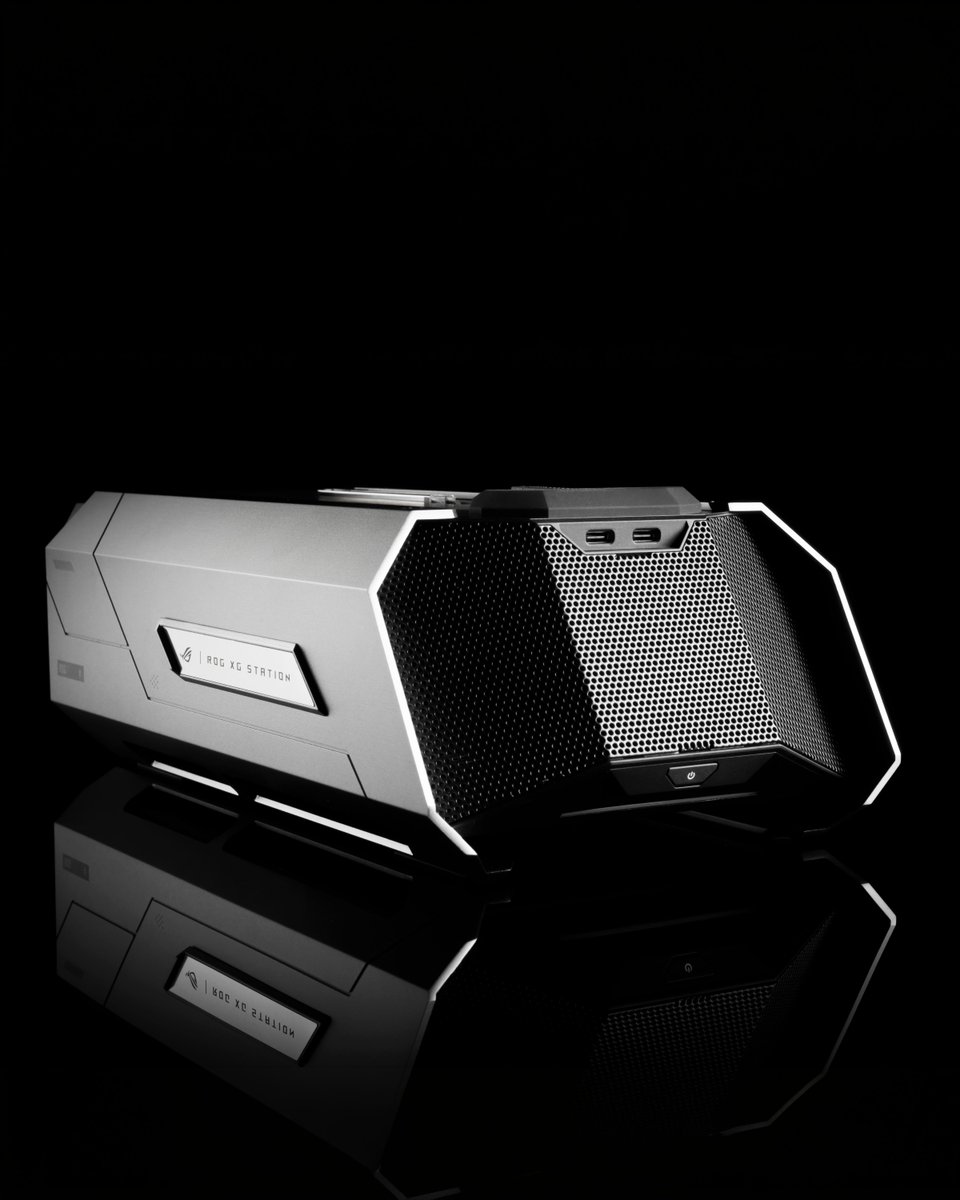
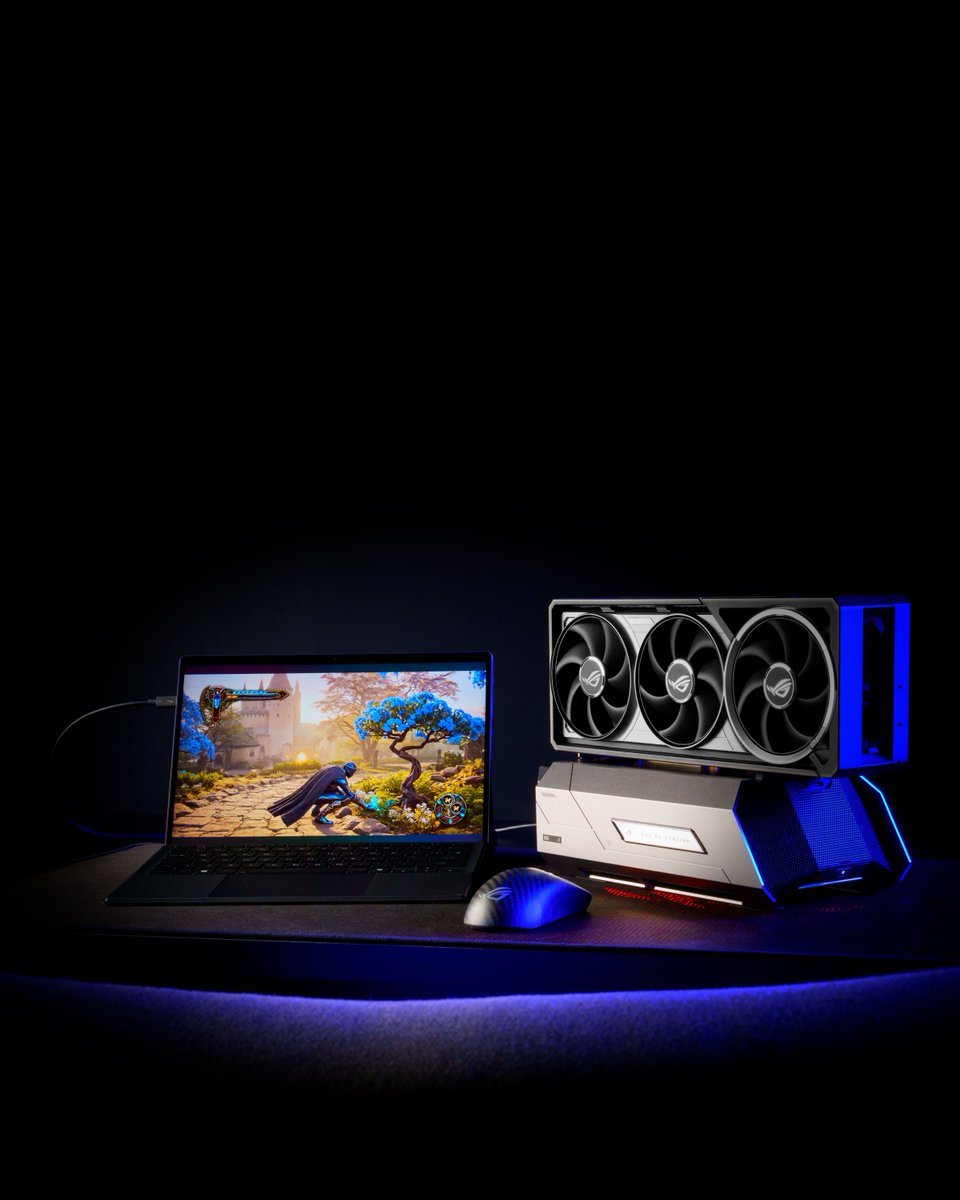
    Level up your setup with the ROG XG Station 3 and Thunderbolt™ 5 connectivity. ⚡​ Which GPU would you pair it with: NVIDIA GeForce RTX 50 Series or AMD Radeon RX 9000 Series? 👀​ Let us know in the comments! 👇​ Learn more: #ROG #ROGXGStation3 #Thunderbolt5
    Download
    111618718.2K
  7. Khadas✓@khadas_official
    RTX 5060 Ti. Not a desktop. Not a laptop. This is Mind Graphics 2. Plug in. Power up. Instantly unlock desktop-class GPU performance for Mind. ▶️ Watch the video 🔗 #RTX5060Ti #eGPU #KhadasMind #ModularPC #GPU
    Download
    0315849
  8. AORUS North America✓@AORUS_NA
    Evil Season Is Here. Enter If You Dare. This Halloween, survival horror gets a serious upgrade. In collaboration with @CapcomUSA_ , @re_games, custom PC modder Sarah Carlos (@snaxanlfg) has brought the world of Resident Evil to life with a one-of-a-kind custom PC powered by GIGABYTE AORUS hardware. Featuring the X870E AORUS MASTER X3D ICE motherboard and AORUS GeForce RTX 5080 INFINITY WOOD GPU, this build is ready to bring a little horror to your setup. Think you can survive the Evil Season? Enter for your chance to win this custom Resident Evil PC. 🌎 Worldwide giveaway. See official rules for eligibility and entry details. Winners announced November 17 on AORUS NA Instagram Stories. 🔗 Enter now: #AORUS #GIGABYTE #ResidentEvil #EvilSeasonIsHere #Capcom
    Download
    422K68637K
  9. Frogboyx1Gaming✓@Frogboyx1Gaming
    Meet the new High-end Gaming GPU thankfully this is really all you need to enjoy gaming. Sadly the days of enthusiast DIY PC gaming have come to this.
    Download
    62722231K
  10. Kirill✓@KirSolo193083
    AN RTX 5090 ON WATER HOLDS 30°C, AND A SCREEN INSIDE THE CASE SHOWS IT LIVE You turn the PC on and there's no need to check the temperature. It's already in front of you, inside the case itself. The screen shows three lines. CPU 46°C. RAM 22%. GPU 30°C. Thirty degrees on a flagship that sounds like a small vacuum cleaner in a normal build. Here, there's almost nothing left to make noise. The card itself is covered by a water block, with matte black tubes running out of it. Each one was bent to the right angle by hand, so the lines stay clean, with no sagging and no extra joints. The heat goes to two 360 mm radiators, one on top and one on the bottom. The fans work there, not on the card. Next to it sits a Ryzen 9 9950X3D on an Alphacool block. An ASUS ROG Crosshair X870E Hero board. 64 GB of DDR5 at 6400. Two 2 TB Gen5 NVMe drives. A 1200 W power supply. The screen isn't there for looks. It just gives you the numbers as they are. Guests who can't tell a CPU from a GPU still stop and ask why the numbers are so low. Where would a PC like this look best in your place: on a work desk, in a studio, or in the living room in plain sight?
    Download
    Kirill @KirSolo193083
    4291003.4K
  11. Kirill✓@KirSolo193083
    1618117239K
  12. Show more posts