Posts with #linuxtutorial
#linuxtutorial
Public posts on X that use #linuxtutorial.
Related hashtags

𝒍𝒊𝒏𝒖𝒙𝒔𝒄𝒐𝒐𝒑@LinuxScoopAfter being customized, this is what my #Xfce desktop looks like now Full tutorial: Resource: Whiskermenu Rounded+Transparent: #Linux #linuxtutorial #OpenSource #desktop1094410
Linux is known to be very stable, but even the most stable system can encounter situations that cause it to become unresponsive. Here's how to recover from such a situation. #Linux #LinuxTutorial046

chmod 777? chmod 666? chmod 755? What are those number? How to use chmod command? Things explained here: #LinuxTutorial #Linux01334
Bash Process Substitution: An Uncommon but Advanced Way for Input/Output Redirection in Linux #Linux #LinuxTutorial0411
Use Nginx Reverse Proxy and Deploy Multiple Docker Apps on the Same Linux Server #Linux #Docker #LinuxTutorial #DevOps452155
Most read article last week: Frozen Linux System? Here are 3 Ways to Deal With It #LinuxTutorial #Linux0715
Here are the steps to create a sudo user in Ubuntu and other Debian-based Linux distributions. #LinuxTutorial #Linux0515
Hetman Software@hetmanrecovery🚨 Lost a Partition in Linux? Here’s How to Recover Your Data Step by Step 🐧💾 #LinuxDataRecovery #LinuxTutorial #HetmanPartitionRecovery123126
Shells.com@shellsdotcomToday's read 📗 : Top 6 Simple Performance Tips for Your Linux Environment 💻 ➡️ Disable Avoidable Components ➡️ Understand the Basic Linux Performance Commands ➡️ Ensure Proper Configurations of Apache and MySQL #linux #opensource #LinuxTutorial #github #Ubuntu (1/1)1311
For those of you who've never installed @ubuntu before, I've updated my full installation tutorial for #Ubuntu 25.10. #LinuxTutorial #LearnLinux0191.4K
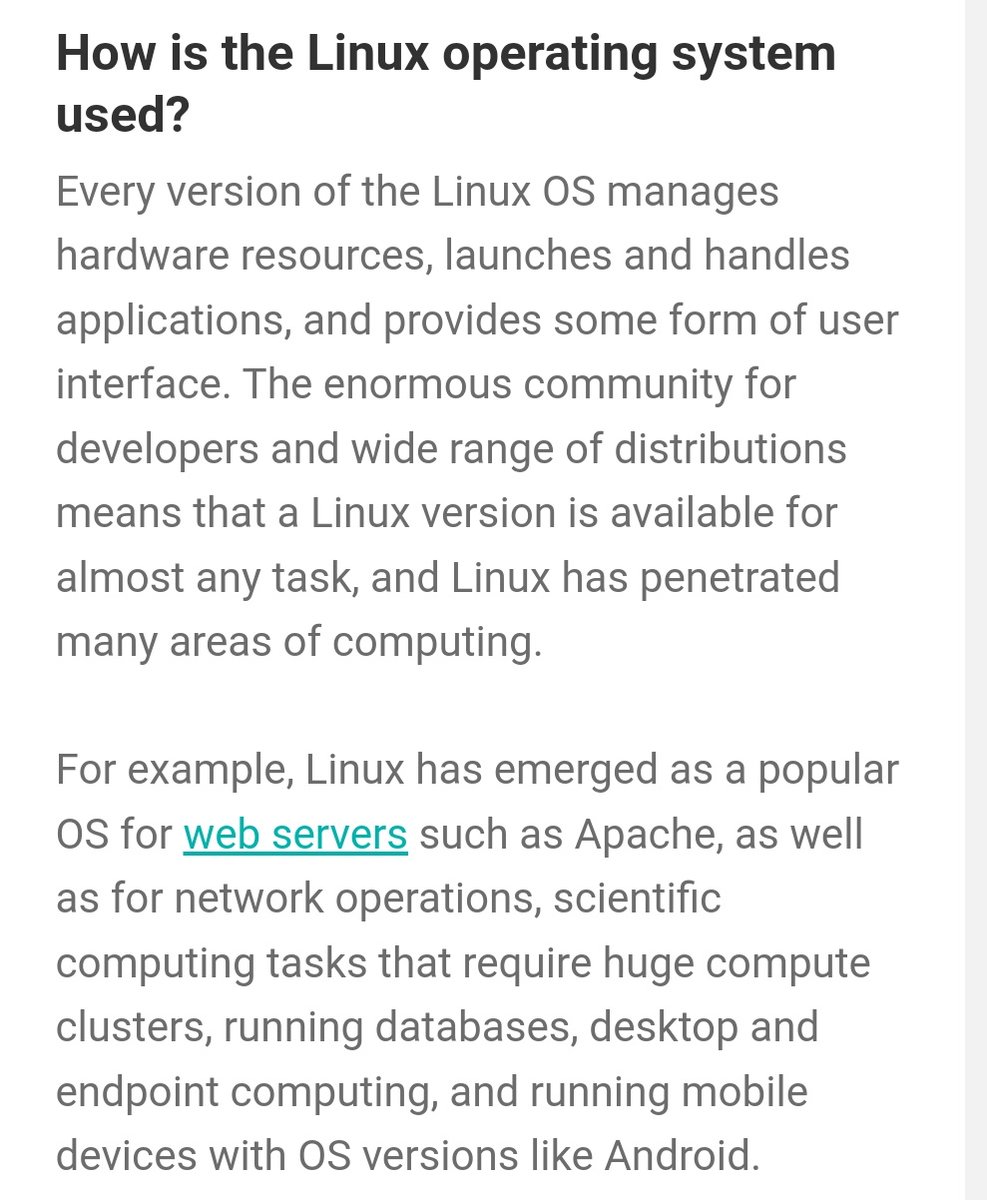
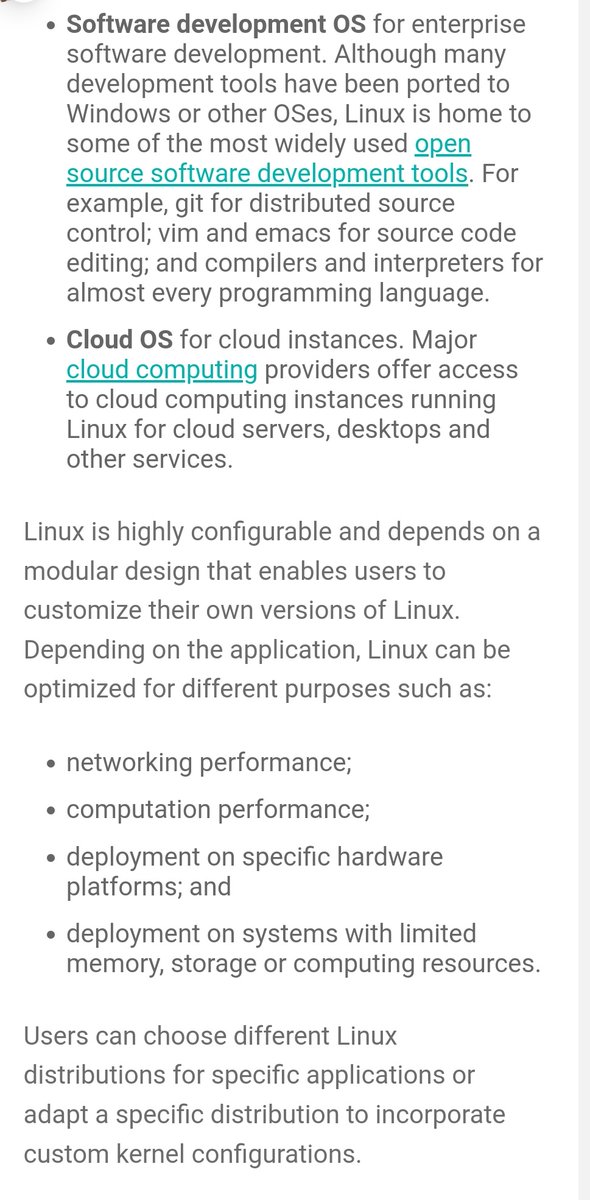
21 Sparks@21sparksacademy#Linux (Part-2) ✅ Linux operating system. ✅ Why do we use Linux ✅ How linux OS Used ✅ Different type of Linux OS #LinuxOS #linuxtutorial #Linuxadmin #LinuxEngineer #SystemAdmin #Servers #Unix #LinuxJob136
Brandon Roldán@saulconacento__If you can see a Easter egg in linux? The answer is Yes I can see! How to? Ok open your terminal and type the next comand: "aptitude -v moo" The next step is add more "v" like so: "aptitude -vv moo" And woalaaa add more v until see the Easter egg. #LinuxTutorial100
Brandon Roldán@saulconacento__@saulconacento__Other tip: Open Your Terminal and type: "sudo apt install cowsay" Then in your terminal type: " cowsay 'your message here' '" #Linux #LinuxTutorial110
Kali Linux Tutorials@kali_tutorialsListen Suspicious Radio Signals Easy Guide to RTL SDR on Kali Linux #Linux #LinuxTutorial #kalilinuxin #cybersecurity #radio #Signals #softwaredefinedradio #Ethicalhacking #infosec #infosecurity #linuxsecurity #aroundtheworld #Listen #hacking #hack015- Show more posts